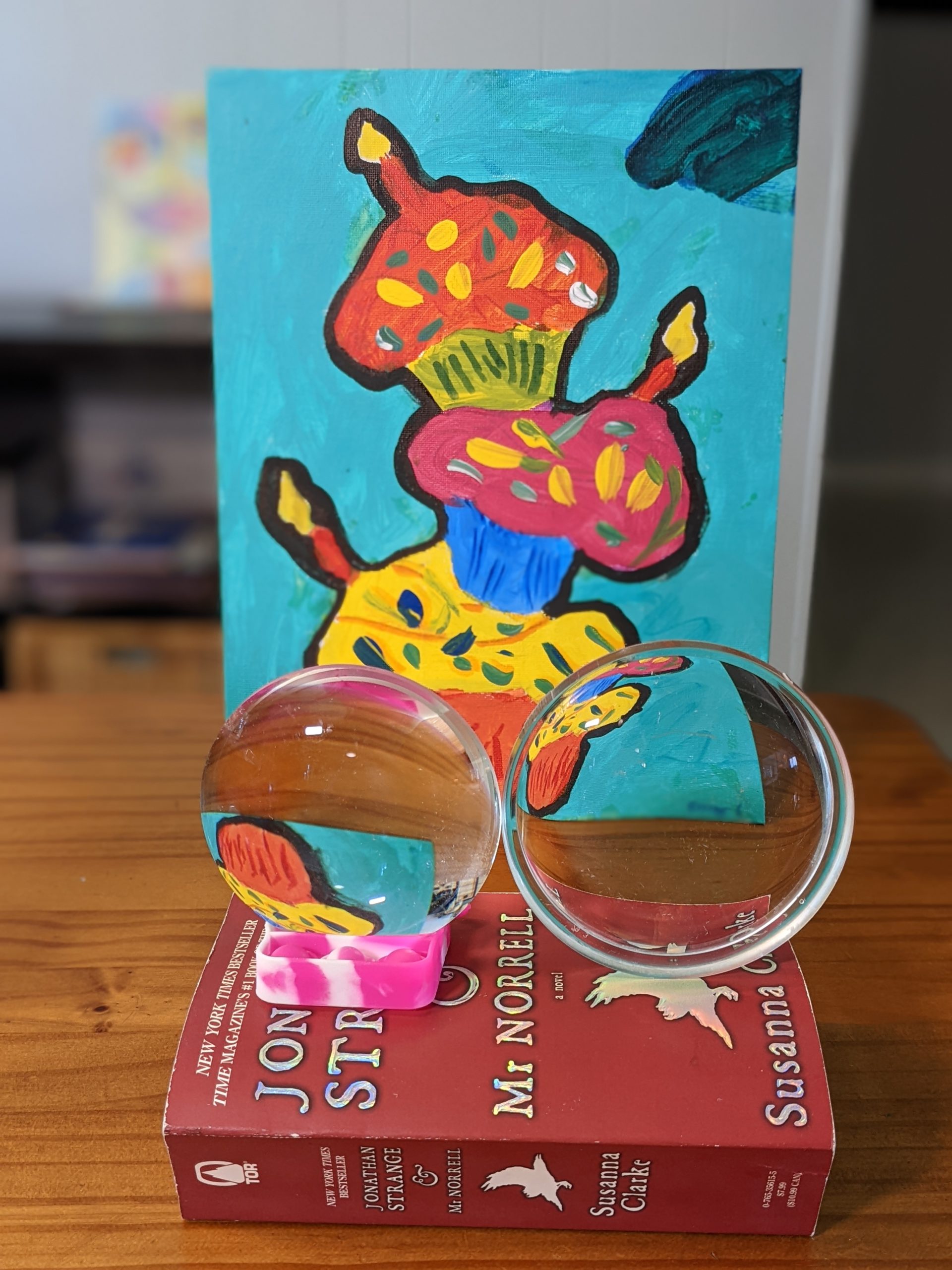
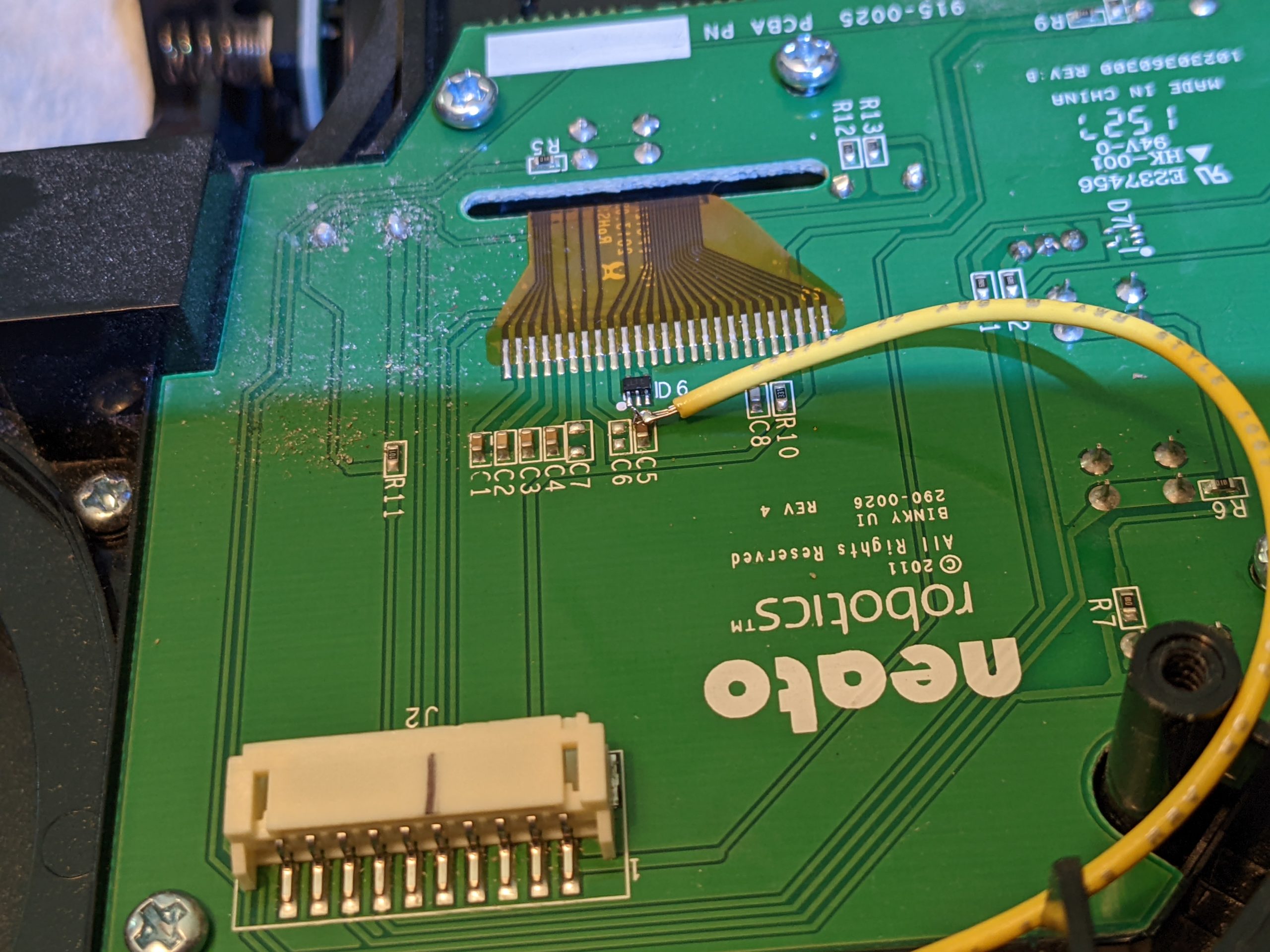
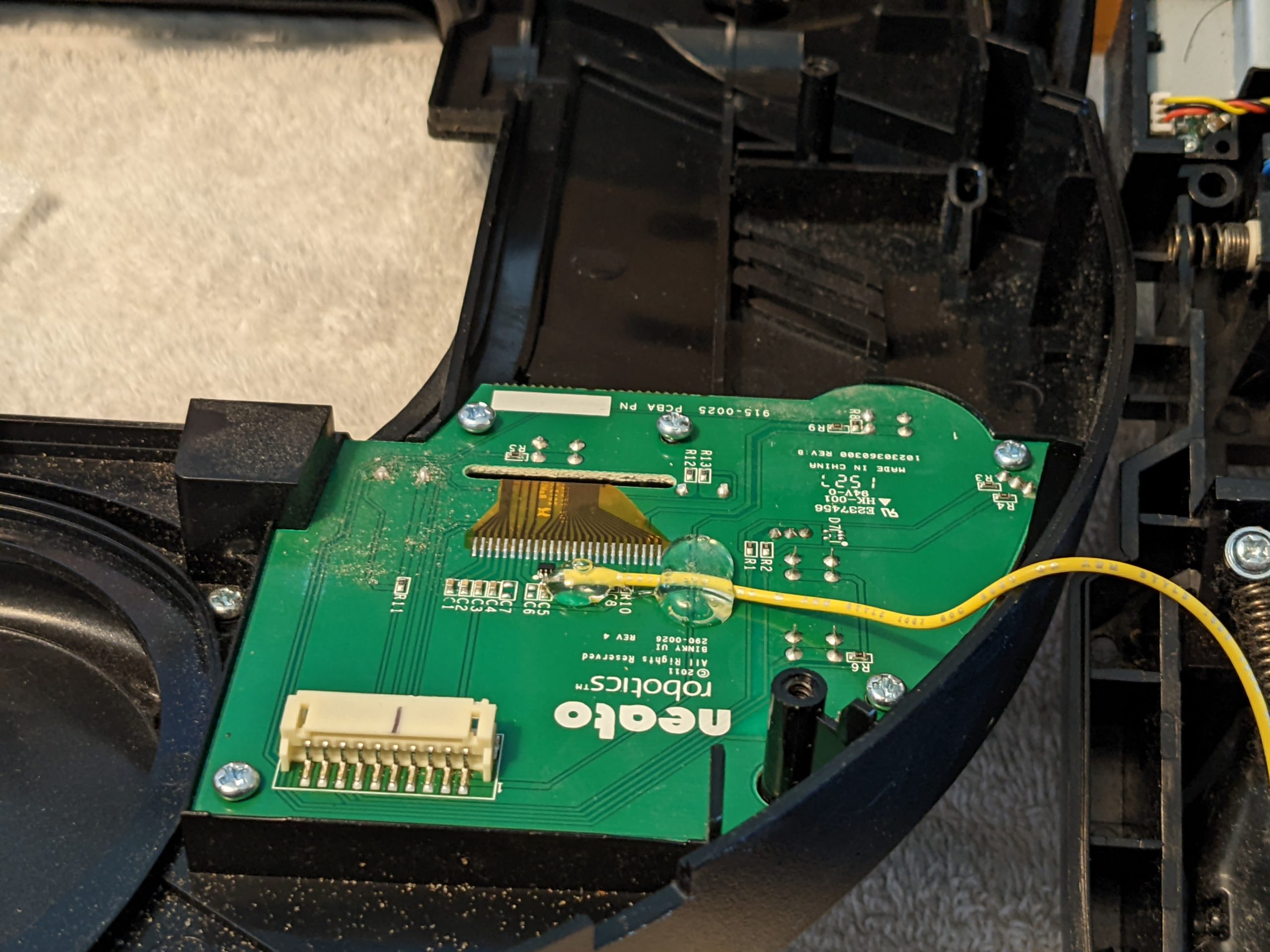
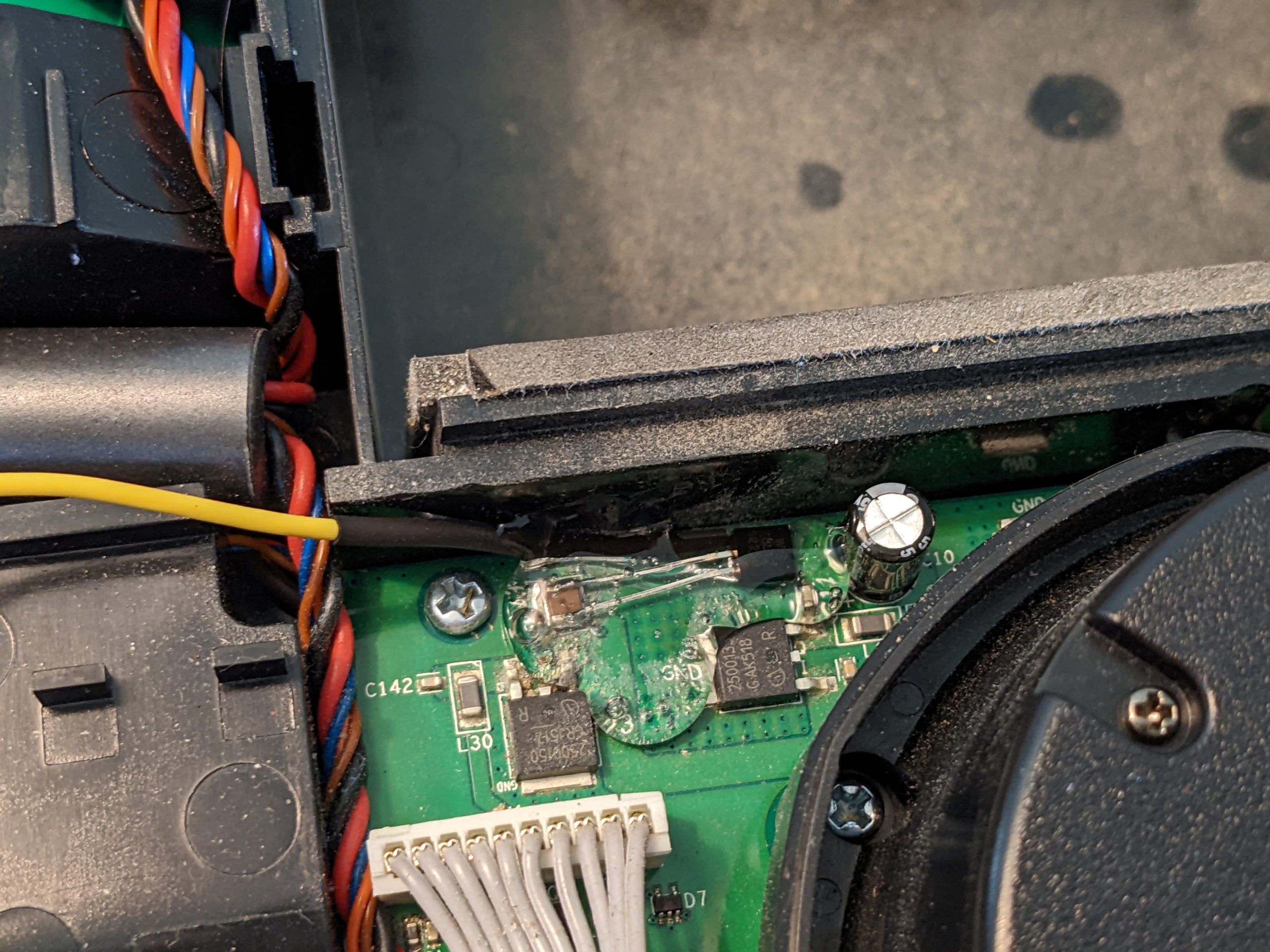
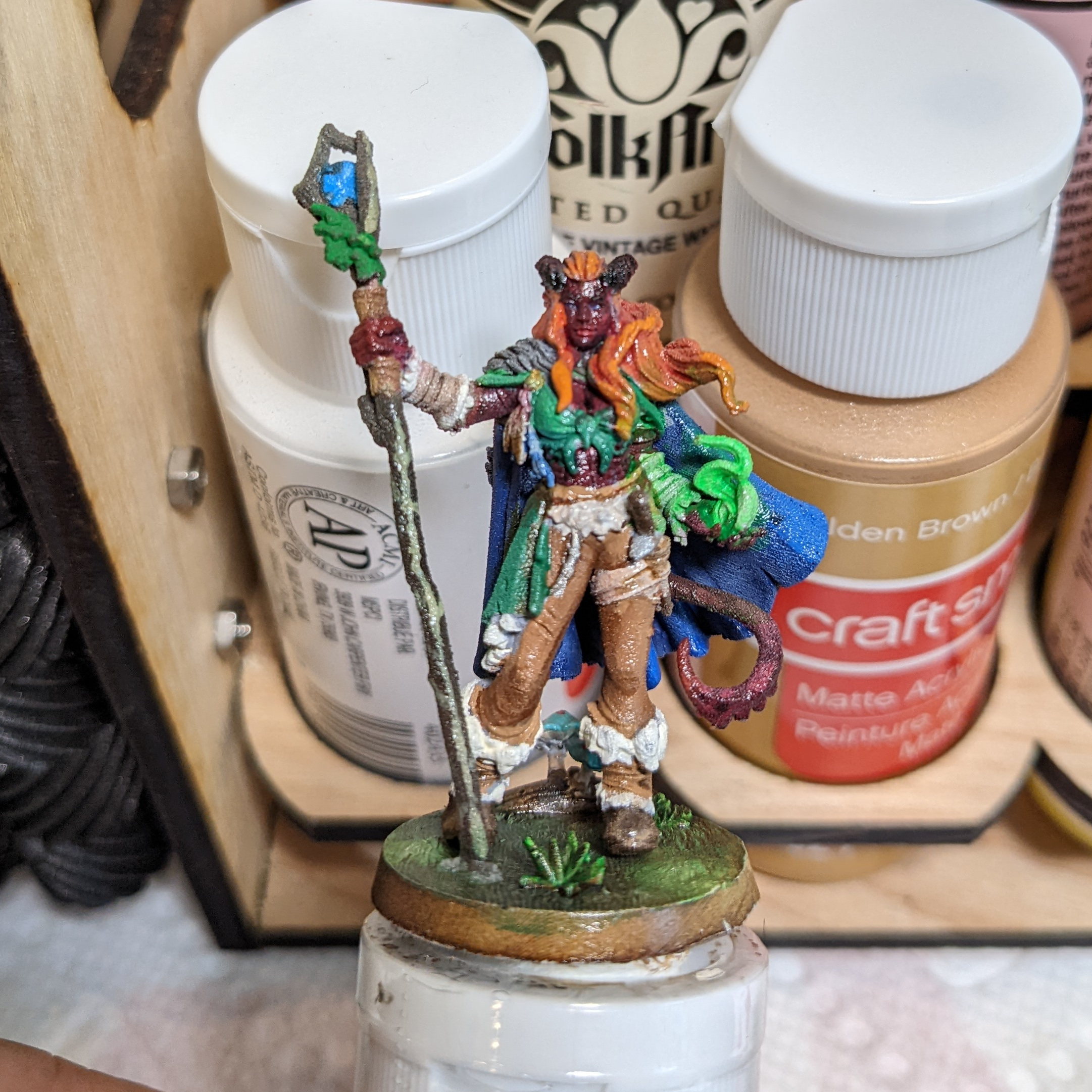
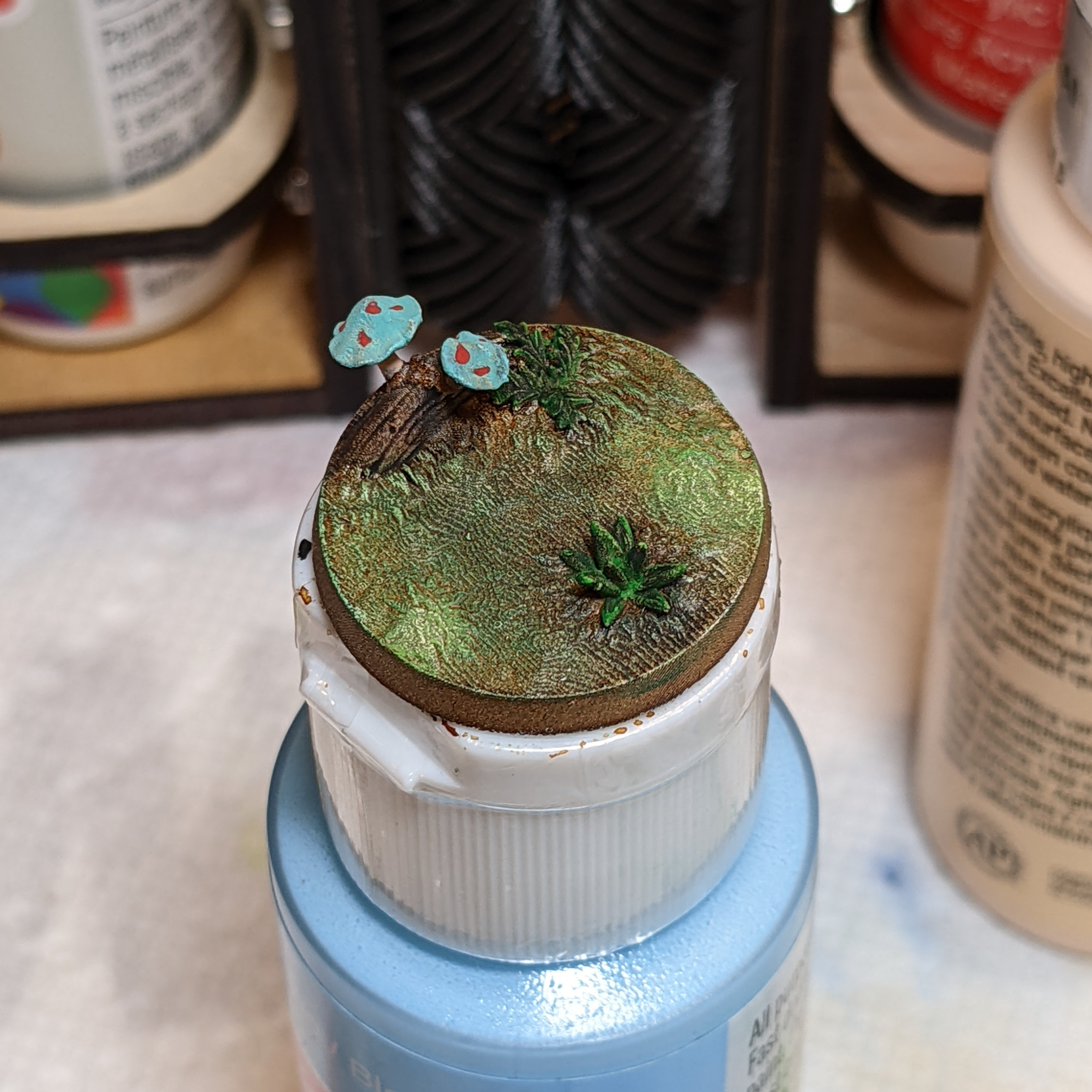
When changing smoke detector batteries on my First Alert SA511 smoke detectors, I noticed that ONE (of the six) has a discolored battery tray/door. It appears that the plastic used to make the battery tray was of a different composition from the rest of the shell, as it has turned yellow with age, while the rest of the smoke detector has not. (Also, my other five smoke detectors all have pure white battery trays that match the body as well…) Continue reading
Author Archives: Jay
It’s March 2022, how is Orange County (FL) doing with Covid-19?

The number of confirmed COVID-19 cases in Orange County last week was 2,018, as low as in mid-December of 2021. The Omicron surge is mostly over, and the new case positivity rate has dropped to 6.9% (close to the < 5% threshold that indicates community spread is under control).
While the total number of cases in the Omicron surge was significantly higher than in the Delta surge, the number of hospitalizations (orange line) was slightly lower, and the number of deaths (blue area) is significantly lower. This is partially due to a larger percentage of the population being vaccinated, partially due to the nature of Omicron (infecting the upper respiratory tract more than the lungs), and partially due to survivor bias from prior waves.
According to the CDC, a total of 3,089 covid-19 related deaths have occurred in orange county , or 212 deaths per 100,000 residents. The total number of confirmed cases is at 371,647, with more than 1 in 4 residents having been infected over the course of the pandemic.
I am hopeful that by next week the test positivity rate will fall below 5%. The CDC community status tracker just recently changed from orange to yellow:
HOWTO: Paint Flames
Sometimes you need to paint fire. The color light that fire throws out depends upon it’s temperature, generally ranging from white to red (we will ignore blue flames for the purposes of painting miniatures). Here are a few items I’ve painted with Flame effects.
ezShare (ez Sh@are) Wi-Fi SD Card – Works with Linux (and any WiFi enabled device with a web browser)!
A while back I purchased a generic Wifi Micro-SD card adapter that didn’t work with my Linux computer due to the proprietary protocol it used. This ez Sh@are 32GB SDHC +Wi-Fi card is what I should have purchased in the first place.
When powered in the camera, it acts as an AP and broadcasts a Wi-Fi network (default SDID: ez Share, default PW: 88888888 – eight eights) that you can connect to with any laptop or phone. It captures your browser and directs it to a “ezshare.card” web-server that displays the photos on your SD card. (If that doesn’t work, you can direct your browser directly to 192.168.4.1).
You can view thumbnail previews of the images, and download a single image, or a selection of images (as a tar file) or all images in the folder (again, as a tar file).
If you want to see or download videos on the card, you need to select the “Video Gallary” link (it doesn’t show previews of the videos).
The only configuration options are to change the SSID of the network, the WiFi network password, and the administrative password (the default admin password is “admin”). You should change the wifi password and the admin password if you don’t want random people downloading the photos from your SD card anytime your camera is on.
If you mess up the configuration, or find a ezShare WiFi card that you can’t access, the configuration is stored in a file on the card, so if you format the card it will overwrite the configuration and go back to the defaults.
I bought the 32GB card that includes a “share” (or not) switch on the bottom that gives you the option to turn off the WiFi AP when you don’t want to export one (Airplane mode, or to save power). You can also purchase a TF/MicroSD card “adapter” version, that includes the WiFi server, but does NOT include any memory, allowing you to insert a larger sized MicroSD card if you need more than 32 GB of storage.
Using the DAJA DJ6 Laser engraver under Ubuntu Linux
This is the DAJA DJ6 laser engraver. It is basically a 450nm solid state laser diode (3 Watt according to the manual) attached to an X/Y gantry that can do laser engraving.
Although it does not offer Linux software support, you CAN use it with a Linux desktop. Read on for how I got that working.
Continue reading
HOWTO Paint: Snakes
This is the final results of painting this “giant snake” miniature from Etsy seller Wondrousminiatures. The model was printed on a 3D (Resin) printer, which gives a much higher level of detail than I can achieve on my FDM printer. Compare this snake model to the one I printed on my FDM printer previously. It’s about half the size (1/4 of the volume) with better detail.

Follow along for the steps I used when painting this snake. Continue reading
Gluing the glass lid back on my Glowforge
Remember back when the handle fell off my glowforge? Or when the glass lid detached from the hinge? After the laser tube went out, I got a (refurbished) replacement unit, which has been working fine for a year. However, now the glass lid on my new (to me) replacement unit started to detach from the left rear hinge.
Continue reading
HOWTO Paint: Skulls & Bone in 6 easy steps + the Raven
I got these raven sitting on skull minifigs from the Wildspire Miniatures Animals of Sol’an set, but singles are also included in the Hero’s and Animals set.
Here are the steps I took to paint the skull.
1. Prime black. I’m using Rust-Oleum 249846 2X Ultra Cover, but really, any flat black primer that sticks to plastic should work fine. Continue reading
Generic WiFi Adapter (SDHC) using the WIFI@SDCF app [Dxingtek/Keytech]
I purchased this (very) generic “WiFi adapter”. (Model AD_wifi_SD) It accepts a Micro SD card, and when powered by a host, generates a wifi network (Default SSID: WiFi@SD, default password: 99999999 [eight nines] ). I was hopeful that it would expose a webserver that I could access from my linux desktop to download files from the camera’s SD card, but no such luck.
The server resides at 192.168.100.1, and assigns IP addresses starting at 192.168.100.100, however it uses a proprietary (UDP packet) protocol that only works with the provided android or iOS app (Called WiFi@SDCF on the Google Play Store com.keytech.wifisd).
Although it may be technically possible to run this app in an emulated android environment on Linux, I didn’t want to put in that much effort. Especially as it appears that the android app (and likely the SD card server) are buggy, and the protocol does not support error detection or correction. See the class project paper here in the wifi-sdcf repo by David Buchanan for more details.
In short, unless you only want to transfer files to a phone/tablet and are willing to run the provided app (which is of questionable quality) on your device, probably steer clear of this device. [For Sale: One at the cost of shipping….comment if interested.]
HOWTO: Paint crocodile tabletop mini figures (Alligator)
I demonstrate how to paint four different color schemes for a crocodile or alligator mini-figure. I use a cream colored base coat on all 4 necks, a gray base-coat on the back of two figures, a dark green base-coat on the back of the other two figures. Then I drybrush one of each with either a black or a muted yellow for highlights. I also demonstrate red, black, and yellow eyes, and the mouth/teeth details, plus gluing flocking to the base.
The figures were printed from a free model on Thingiverse by Mr. Stirling:
Swamp Alligator: https://www.thingiverse.com/thing:4165302
Items you may want to follow along (Amazon Affiliate Links):