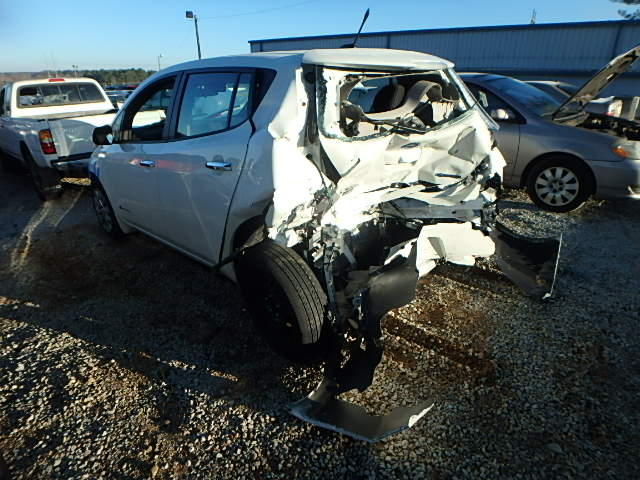
This is Hoja, a new (to me) 2013 Nissan Leaf. Hoja was rear-ended sometime around December or January, and was “totaled” by his insurance company, The Travelers Indemnity Company. They used Copart, an auto-auction company to sell the remains with a salvage title.
Continue reading
Author Archives: Jay
Hexagonal wooden mirror frame
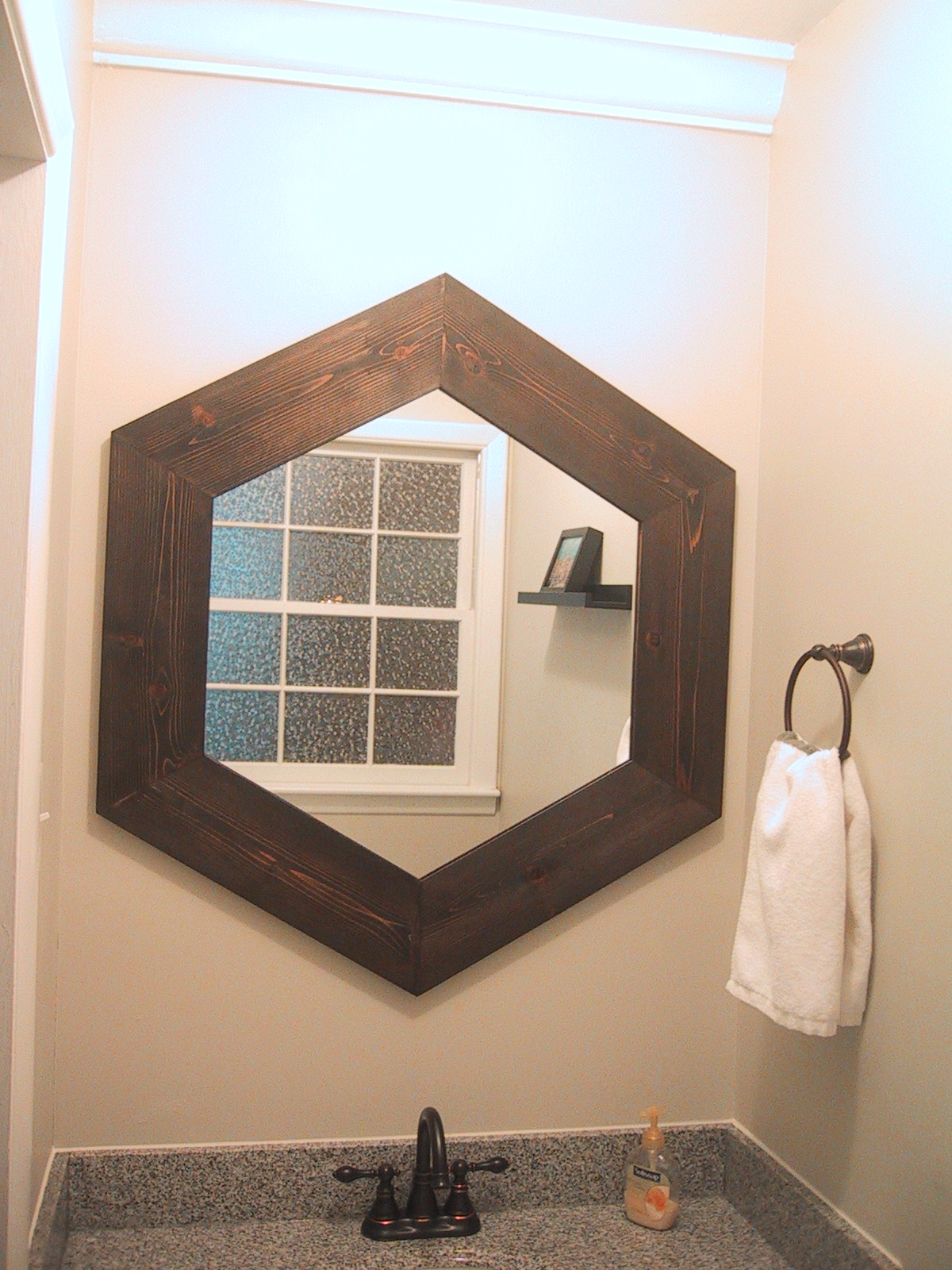
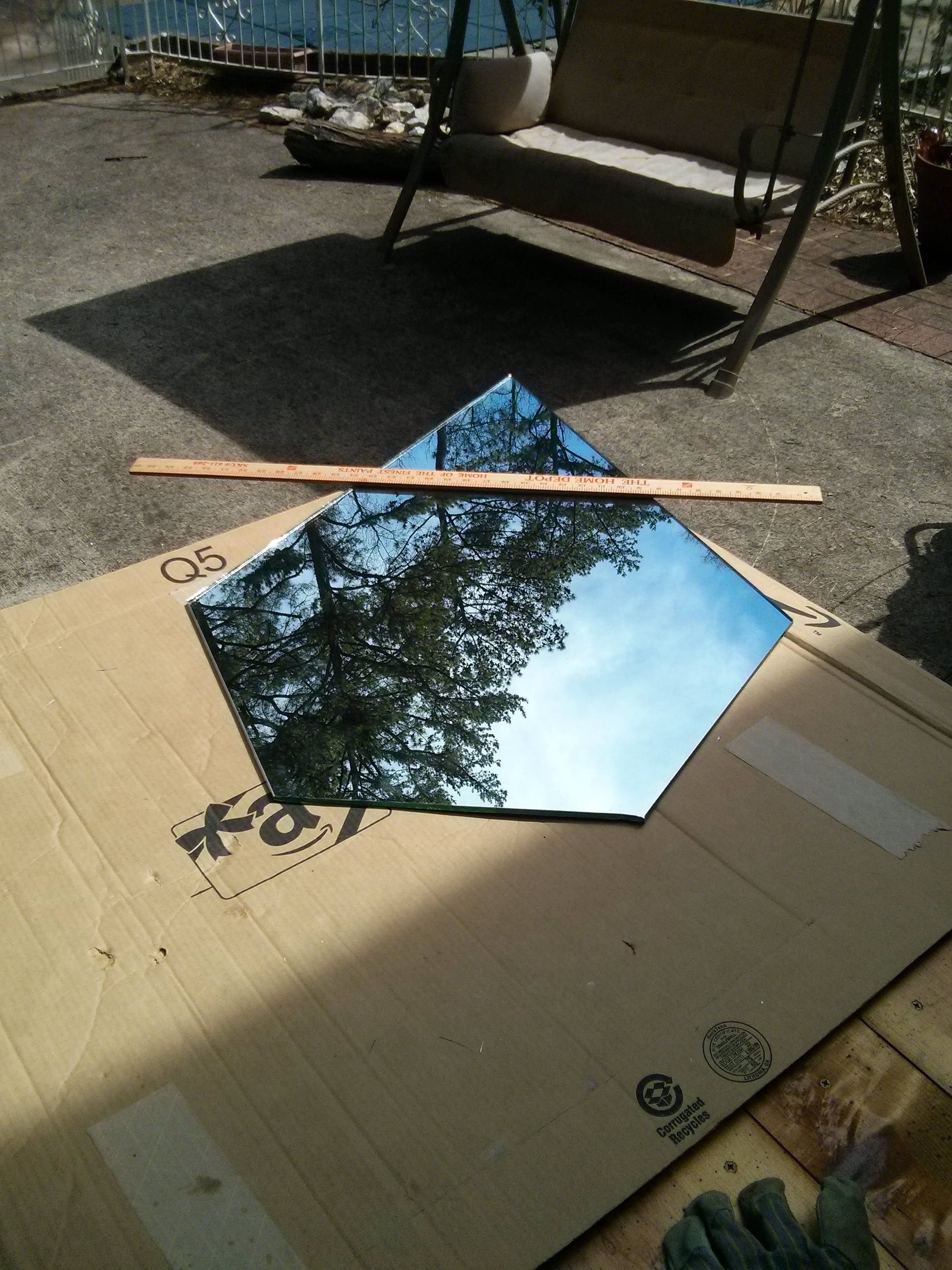
This is my finished hex frame mirror, which is the last piece of the downstairs bathroom we renovated.

I built a hexagonal wood frame out of ceder planks for the new bathroom mirror. I had originally wanted to build an irregular three sided “triangular” mirror, but once I figured out that my compound miter saw wouldn’t make cuts sharper than 50 degrees I decided I needed more than 3 sides…and 8 pieces would have been a nightmare to assemble.
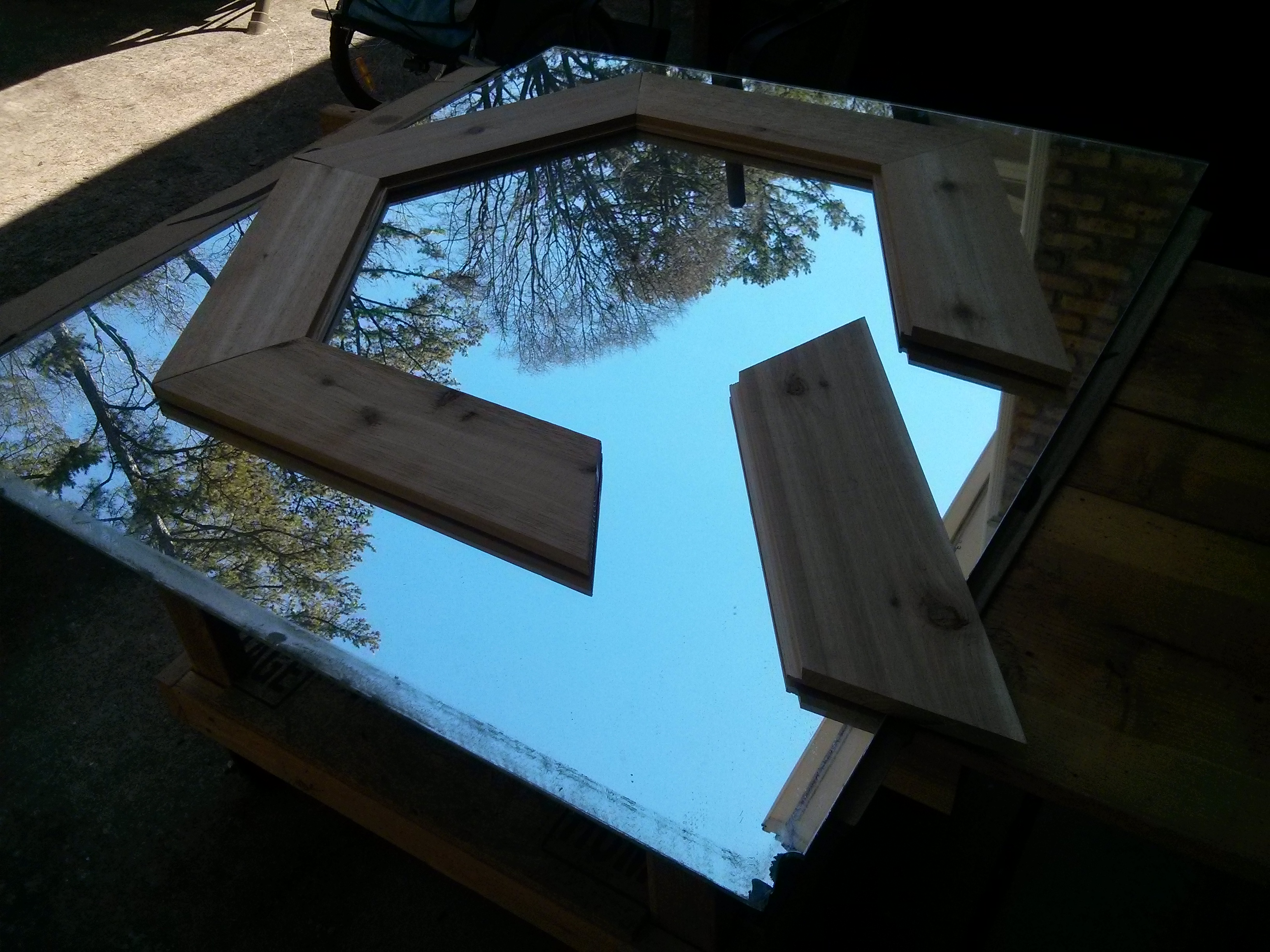
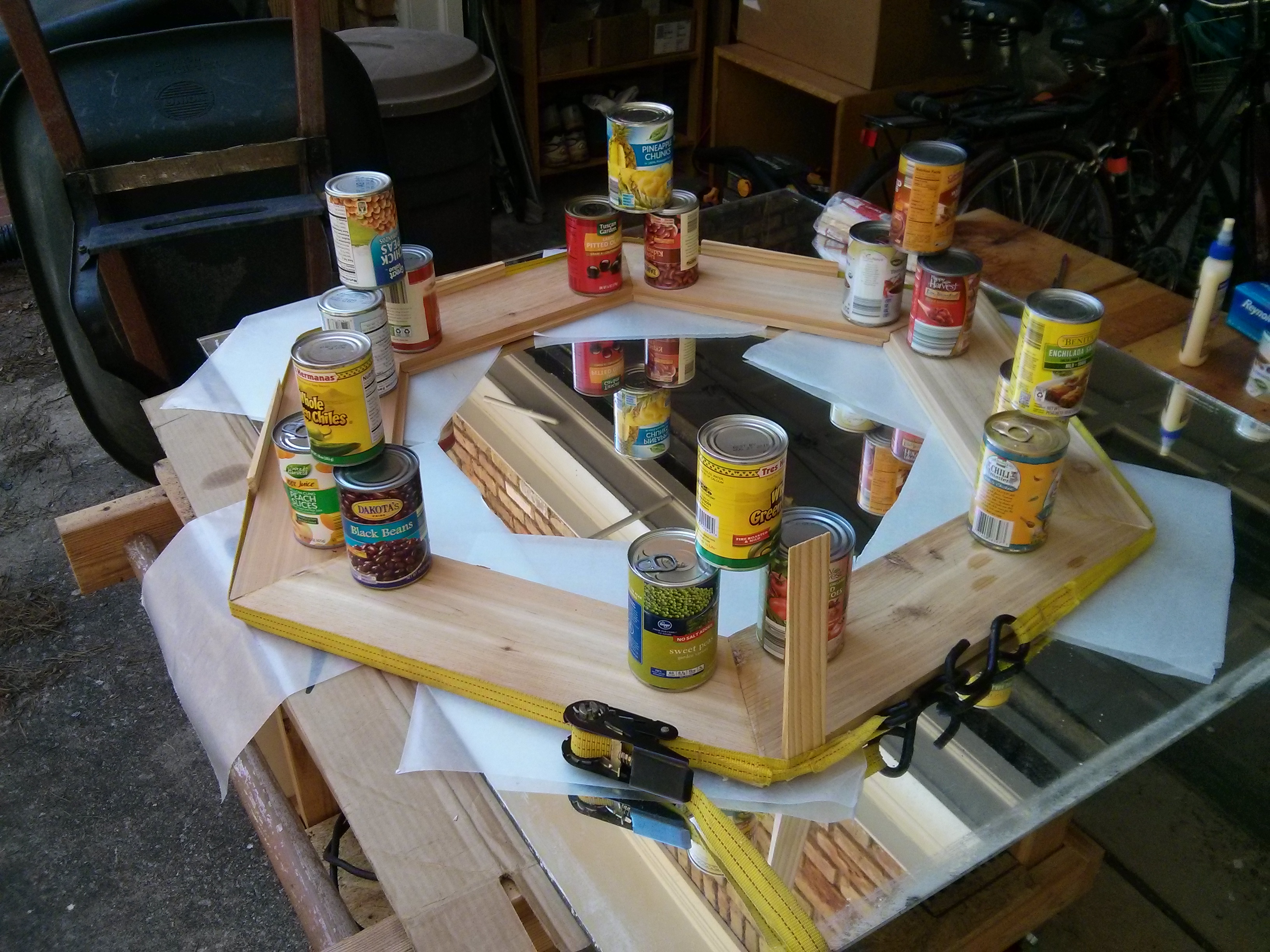
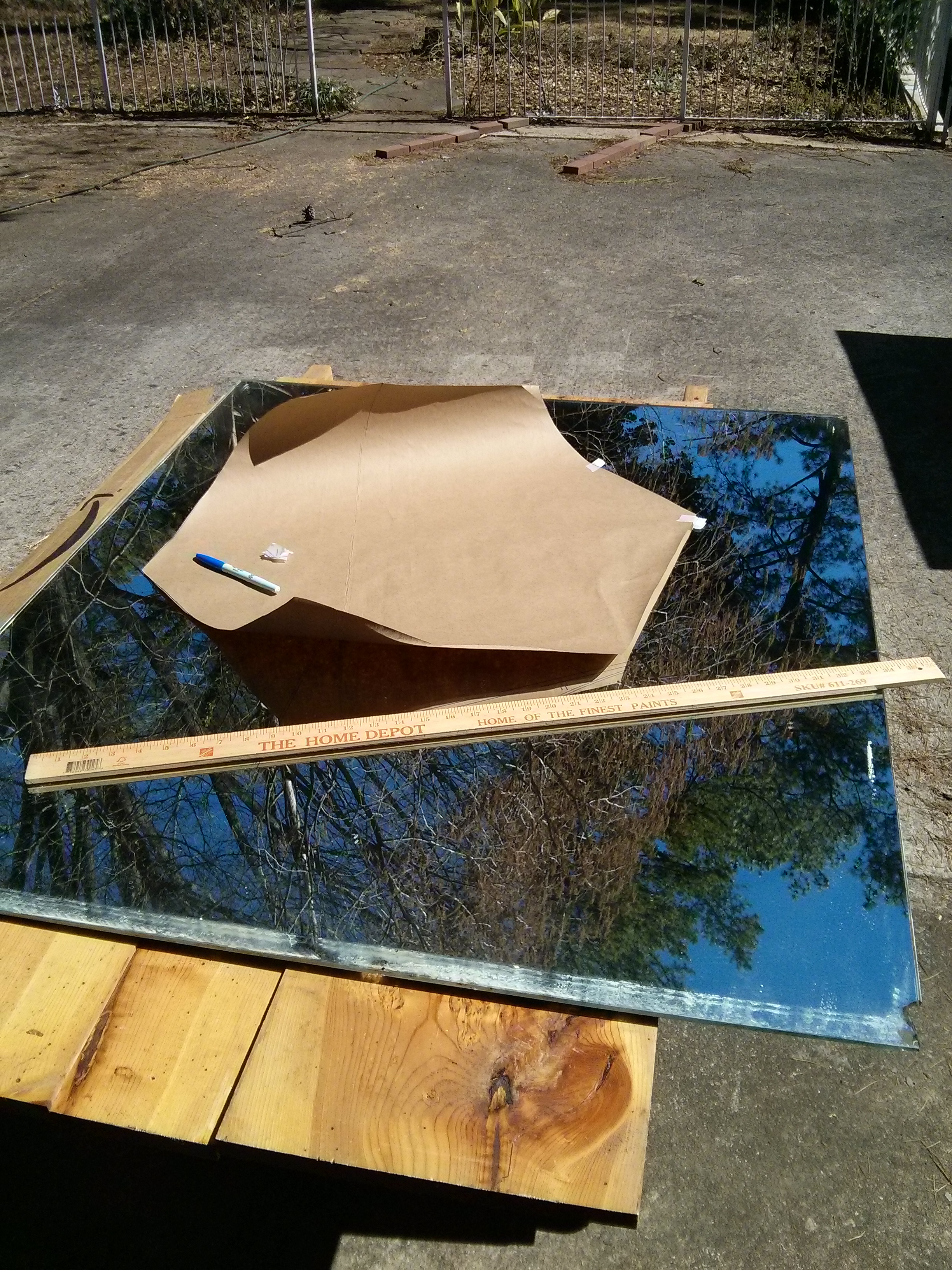
I used a table saw to rip a groove in each piece to hold the glass, and then I used the flattest surface I had available (the mirror glass) to assemble and glue the pieces together. The mirror glass was original to the house, and has a 1961 date printed on the back.
Once I had the frame built, I traced out a template so that I could mark the mirror glass exactly where it needed to be cut. (Due to a few holes I was avoiding in my scrap wood, the frame is not perfectly symmetrical….)
If I hadn’t already built the frame, I would have strongly considered making a “Superman” mirror at this point in the glass cutting phase.
Adding disk brakes to a bike frame without disk brake mounting holes
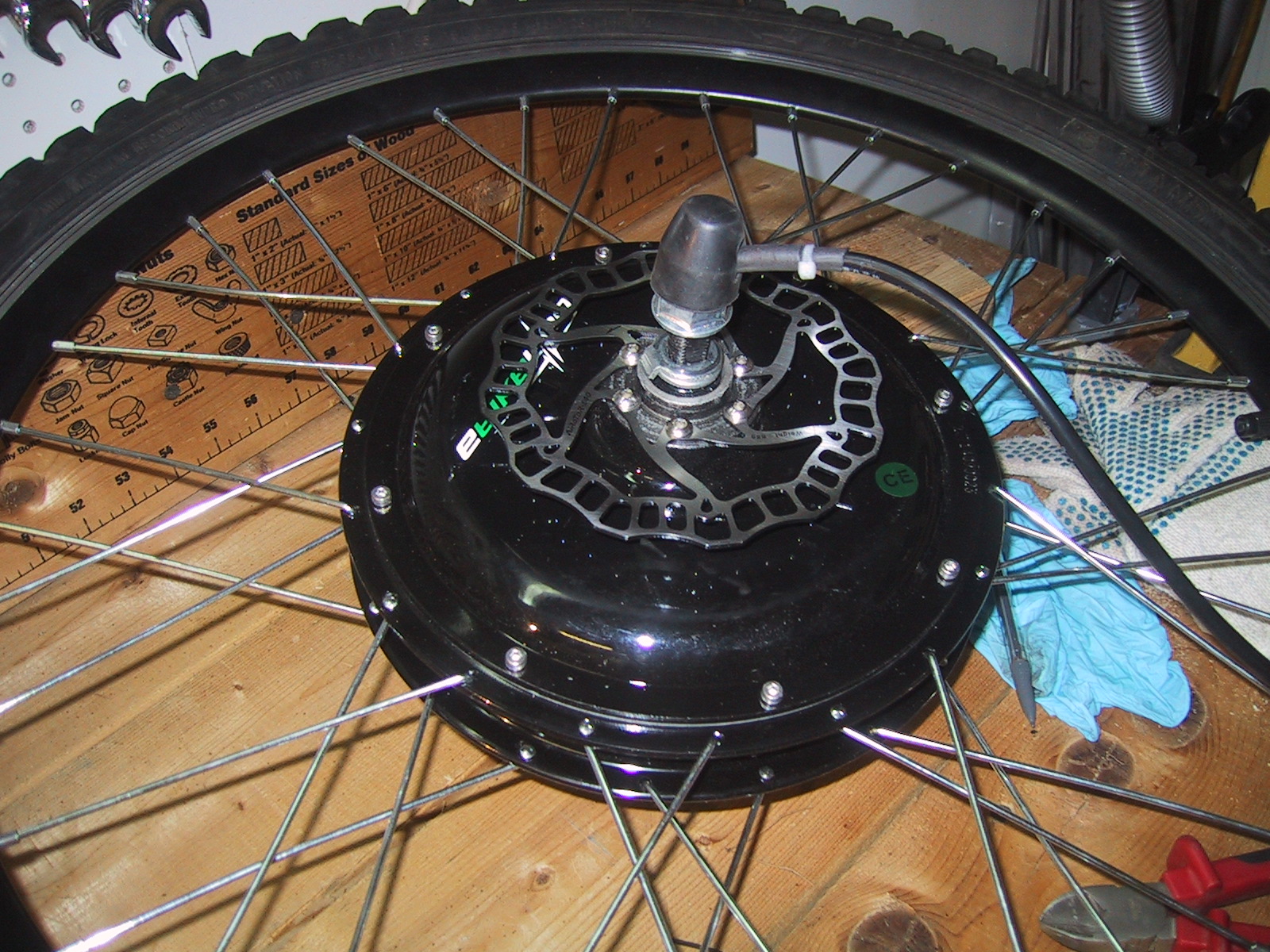
The electric hub motor I purchased had a set of six holes built in for adding a 140mm disk brake rotor. Unfortunately, the bike frame I had used was not set up to mount a disk brake caliper.
I purchased the cheapest cable actuated disk brake caliper and rotor set I could find on ebay ($50) and then had to figure out how to mount the caliper. After a bit of thought, I eventually decided to keep it classy and not weld the entire thing directly to the bike frame.
Disk brake calipers are mounted using two screws, hopefully with lock washers to make sure they don’t come out. M6 SHCS (Socket Head Cap Screw), typically 1.0 thread pitch and 18mm long)
Although my bike frame did not have built-in holes for a disk brake caliper, it did have some threaded M6 holes for other purposes (racks/mudguards, etc..), so I could use one of those, and only had to add a 2nd mounting hole at exactly the right place.
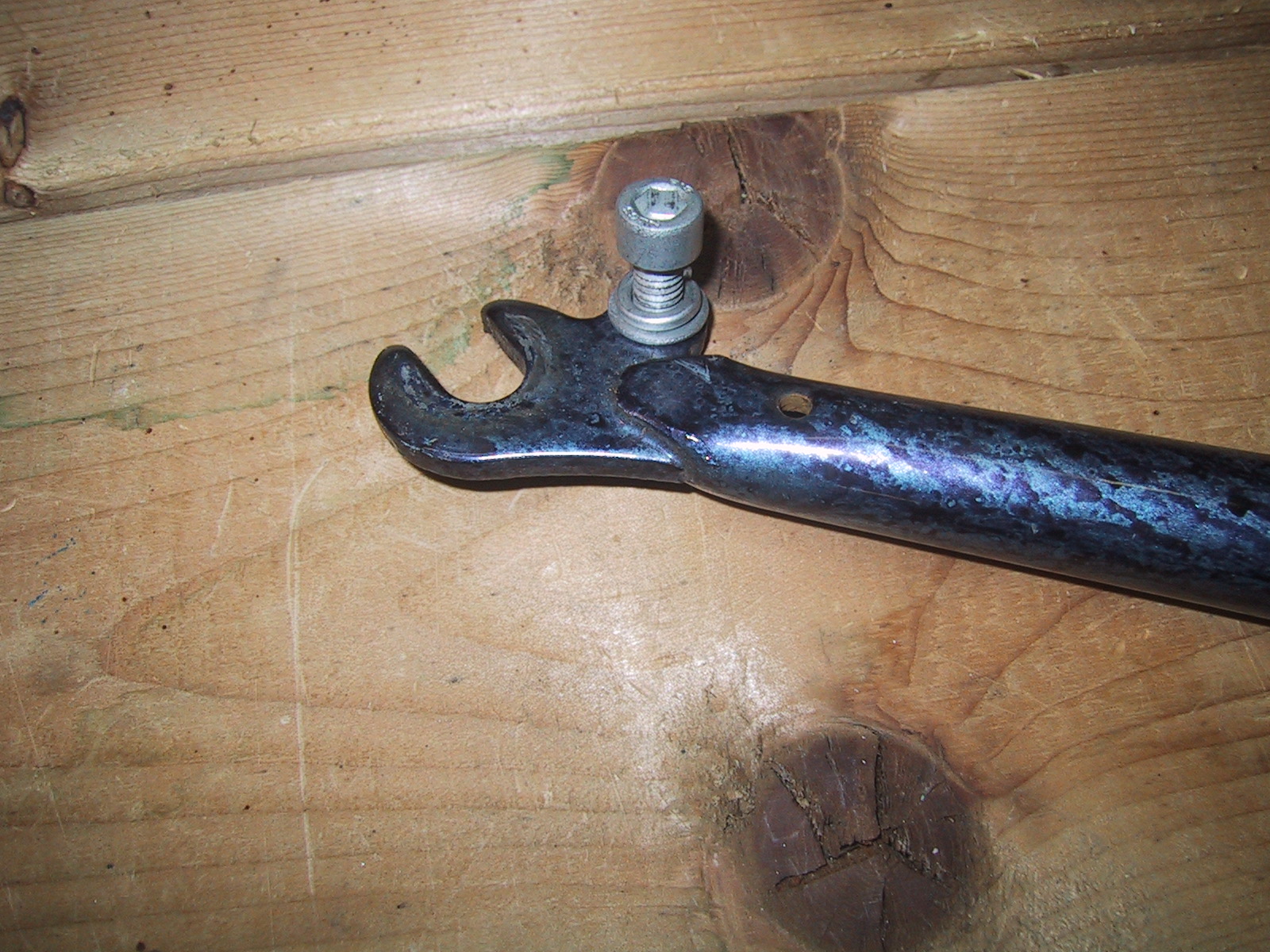
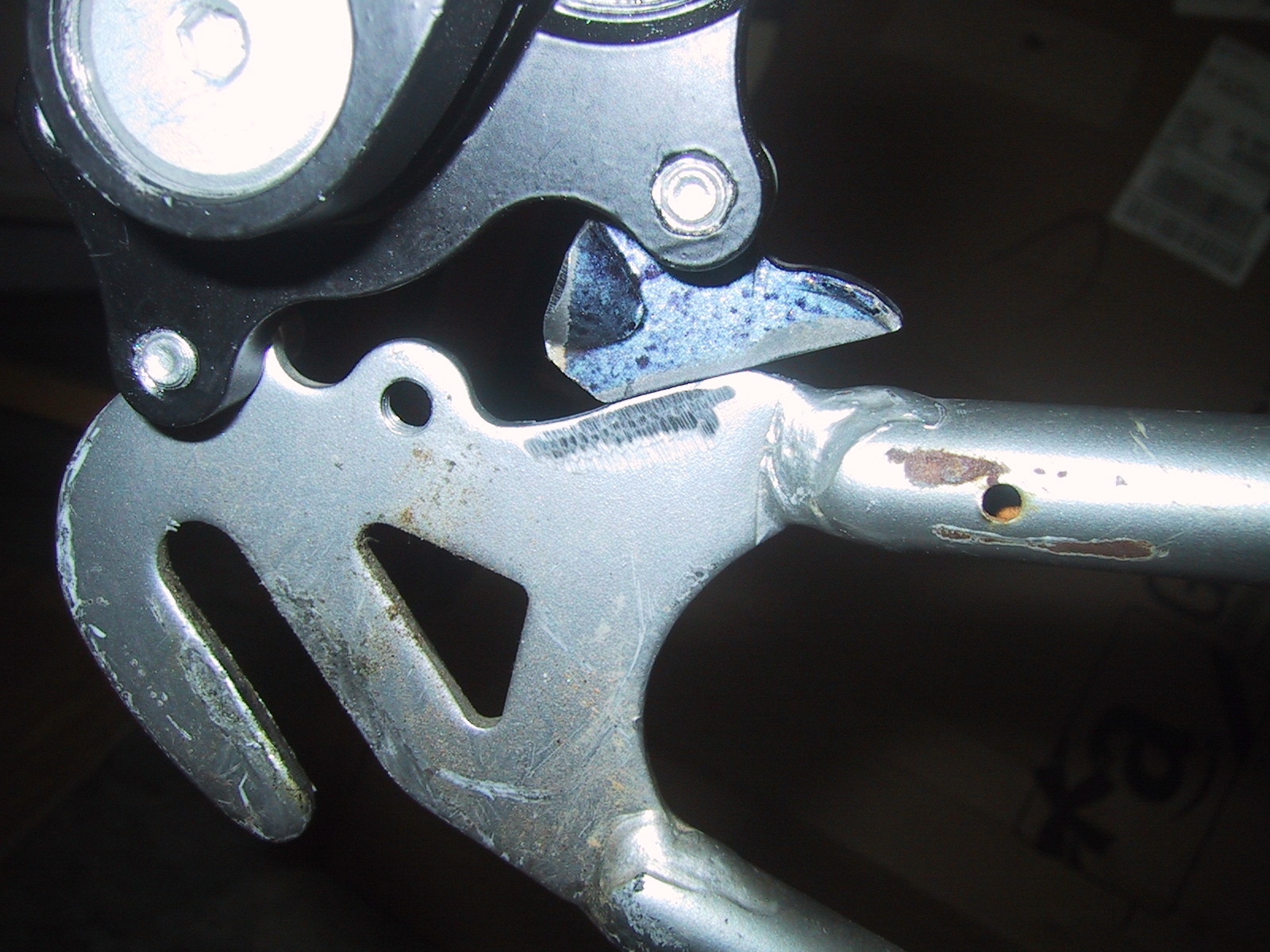
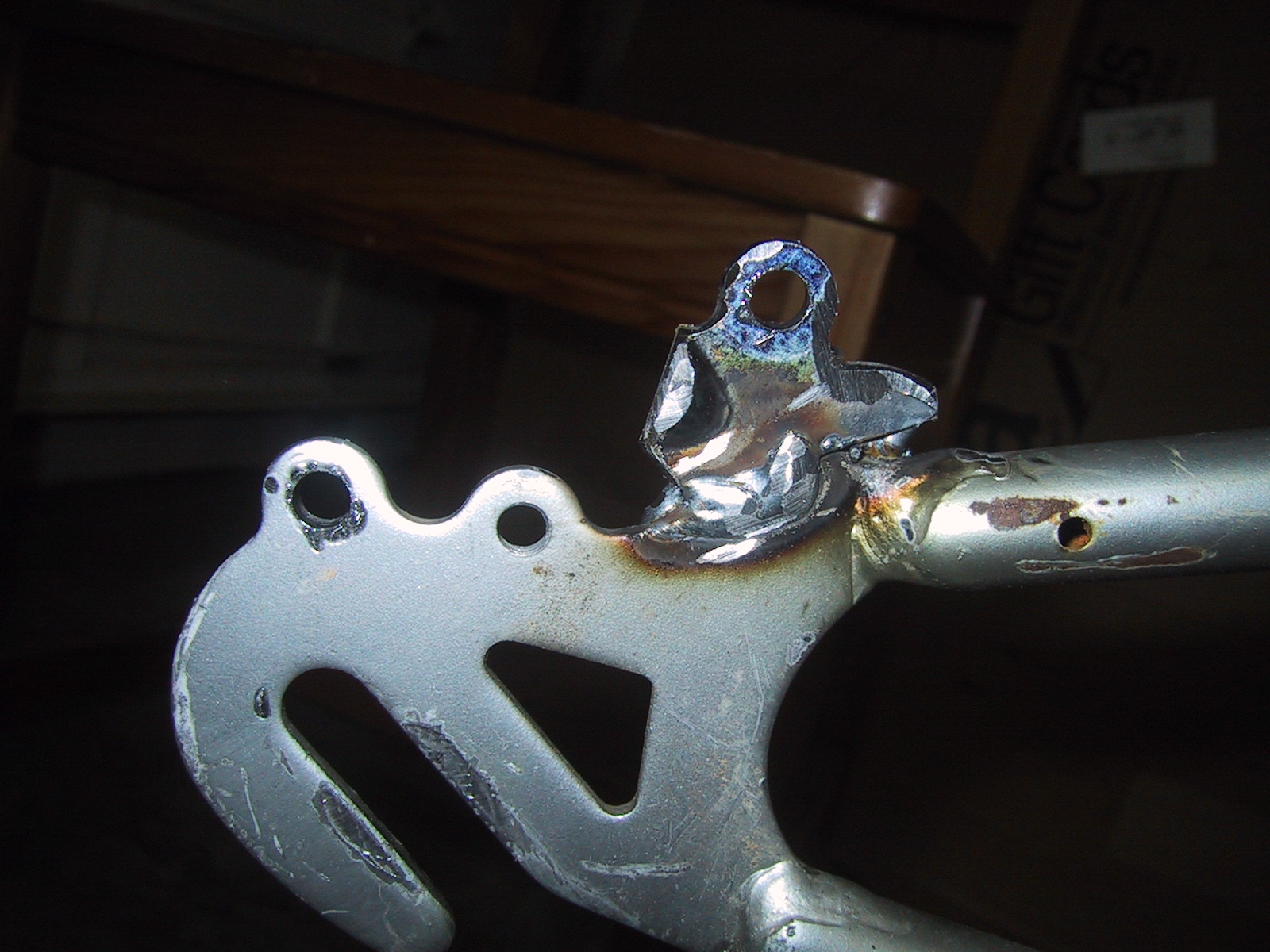
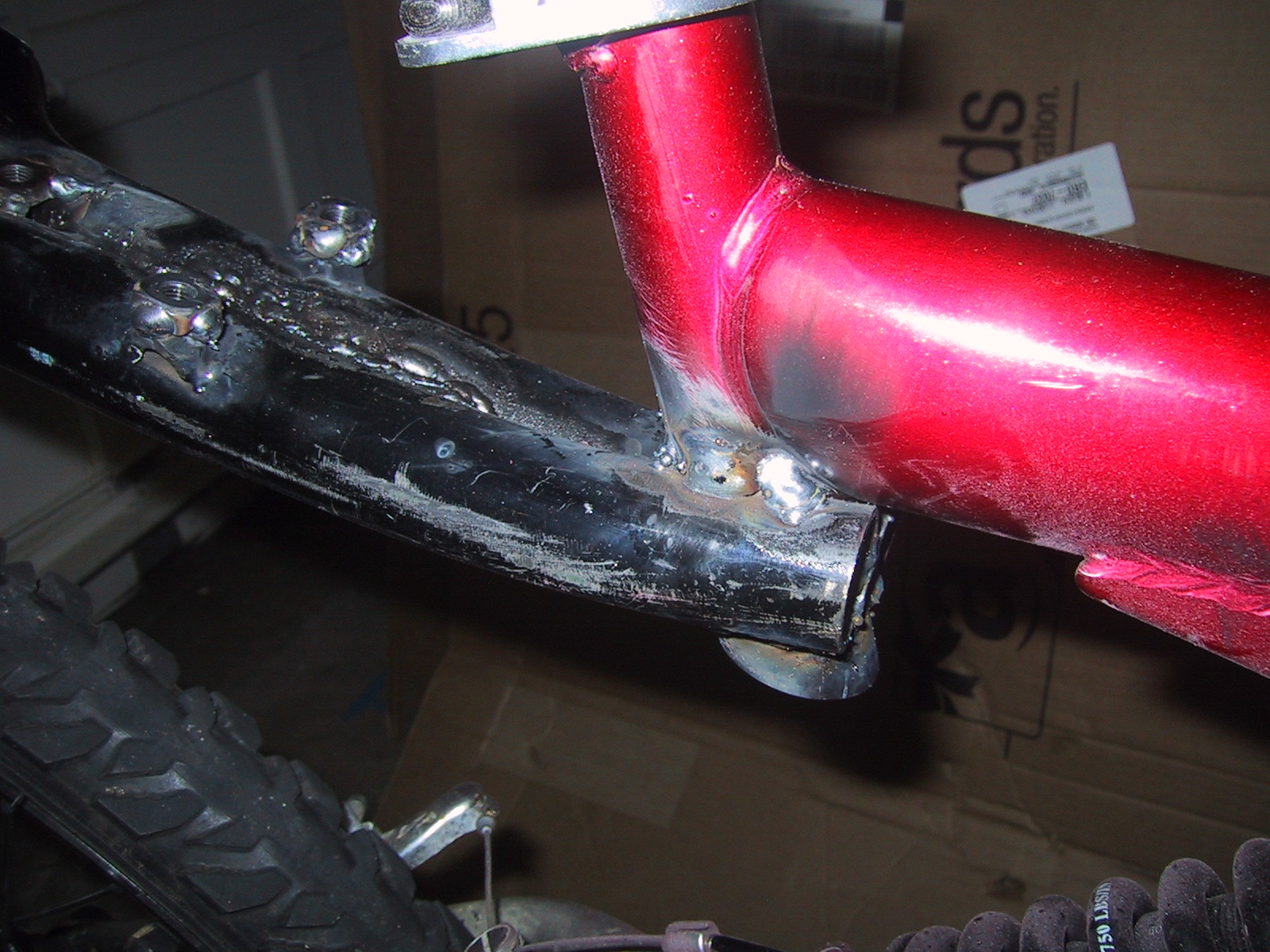
From chopping apart a lot of bike frames, I had some spare steel, and one of the spare front forks also had an M6 hole tapped into it, so I didn’t even have to drill and tap the 2nd hole. I used a cut-off wheel on an angle grinder to liberate the hole and surrounding steel, then screwed it to the 2nd hole in the caliper, using the caliper body itself to hold the steel piece in place while I welded it. (The caliper also has two screws that adjust the body slightly, so the weld doesn’t have to be 100% perfect…)
Getting the small piece of steel, and cleaning off all the excess paint to get the parts ready to weld took a lot longer than actually doing the small weld. (I could have brazed the two together, but since I have the welder just sitting there, and the welded joint will be stronger, always important for brakes…)
Of course, because the brake caliper itself has M6 threaded holes, you don’t want the holes on the frame to ALSO be threaded (because then you can’t use the screws to tighten the caliper to the frame of the bike effectively) so after I had the holes positioned where I wanted them, I used a drill bit to ream the threads out of the holes on the frame. (N.B….never use a drill bit as a reamer…unless you don’t have a reamer….)
Franken-bike: Back Rack, Rain-cover support
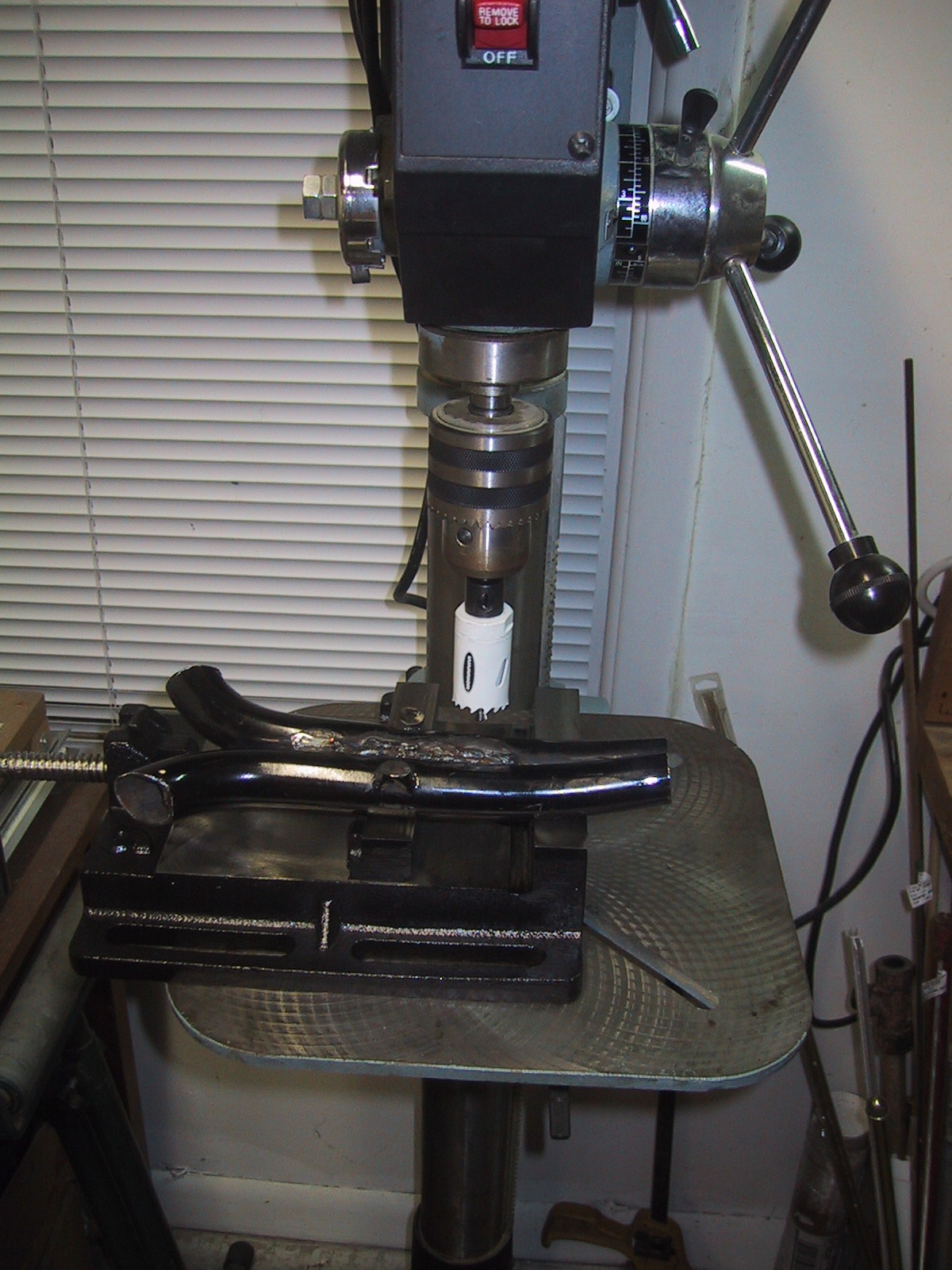
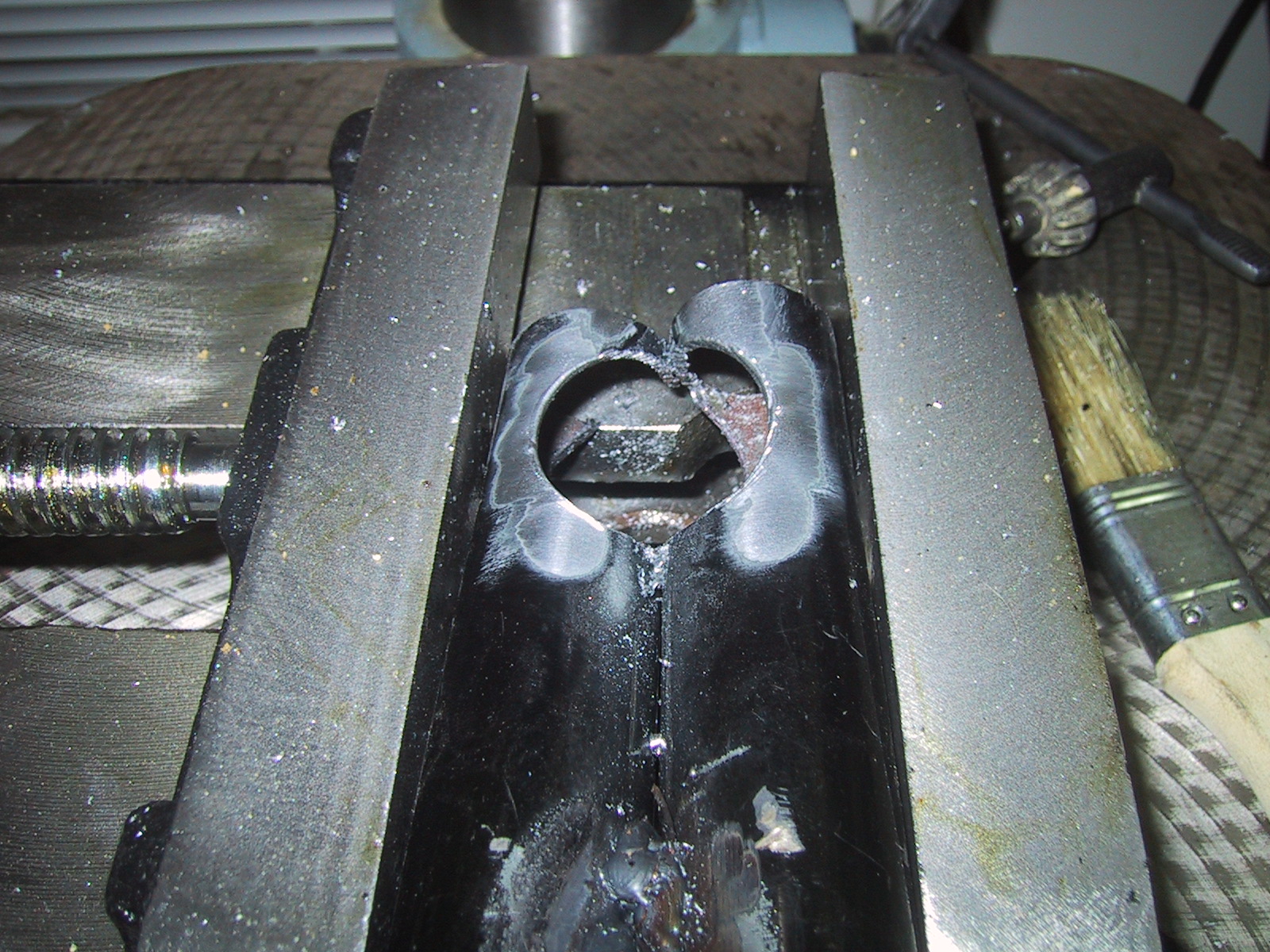
I needed a place to mount the back of my rain cover on the bike. I also needed a place to place my electric motor controller bag. I solved both problems with left over bike parts. This “rack” is made out of the top half of an unused fork welded together. I cut a 1 and 1/8″ hole in it to go over the bottom of my seat down tube. I also put a few weld nuts I had laying around on the top of it, just in case I need to mount something else securely to it.
Electrifying Franken-Trike
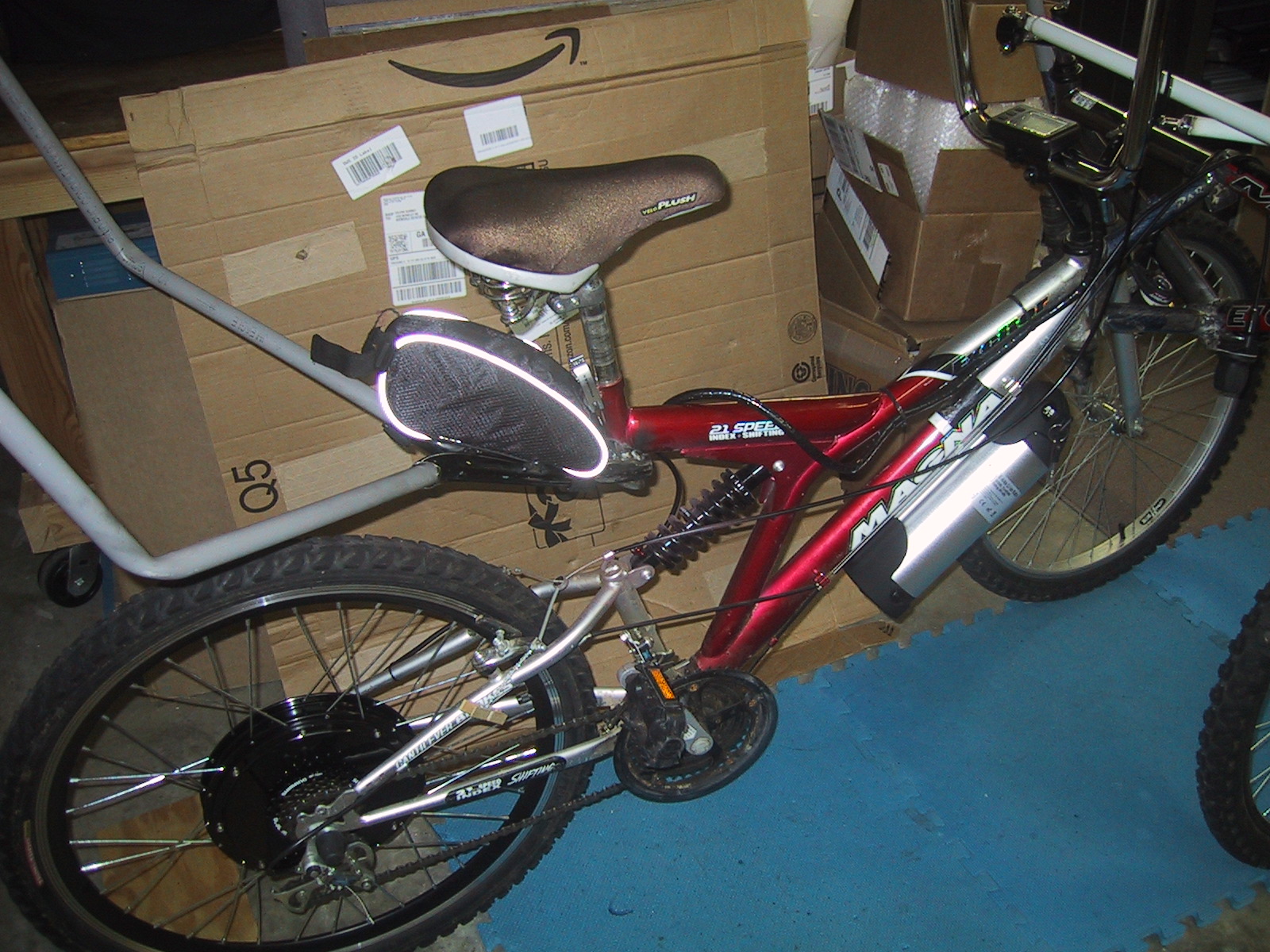
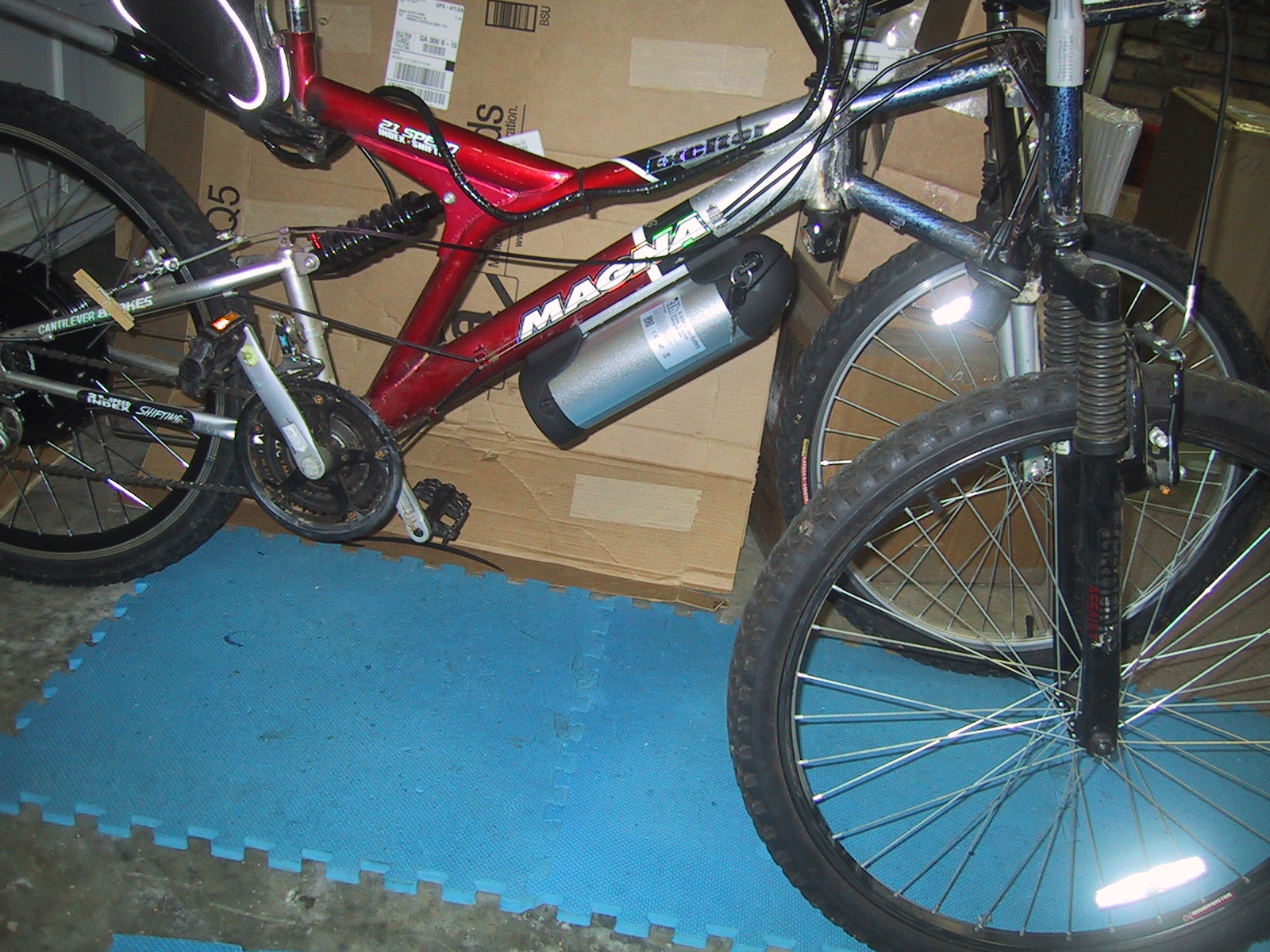
Franken-Trike is big and heavy. And it’s only going to get bigger and heavier once I finish the rain cover. So I added an electric motor to it… Weight with motor and battery is now 80 pounds.

This is a Chinese generic hub motor, controller, LCD display that includes speedometer and odometer, along with a “water bottle” style 36v 10aH Li-Ion battery pack. The motor claims to be 500 watts, and the battery claims to be able to provide 540 watts (15 amps * 36 volts), but on steep hills I have to petal a bit myself to maintain speed. On level ground it can get the bike up to a scary enough 10 mph by itself, and I expect it will fulfill its purpose of making my commute into less of a taxing workout of lugging the monster bike up the big hill…
Fabricating Gingerbread House Cookie Cutters
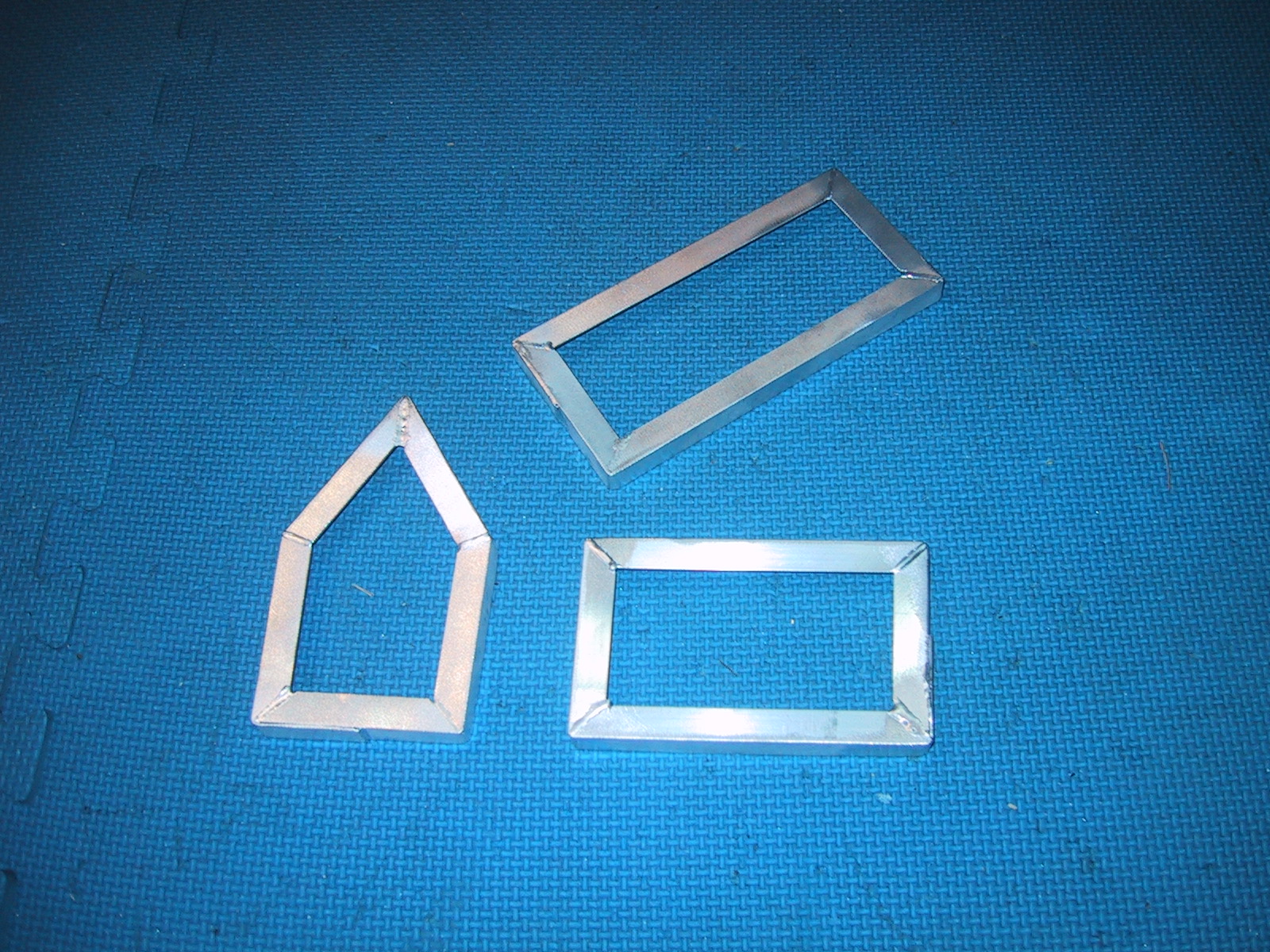
One of my relatives makes a large number of gingerbread houses for all the kids (and me!) to decorate for the holidays. They have been cutting the house panels out of rolled gingerbread dough using a knife and paper templates. I volunteered to make them some custom cookie cutters, as the three panels (2x roof, 2x wall, 2x end pieces) are geometrically very simple (two rectangles, and a triangle sitting on top of a rectangle.)

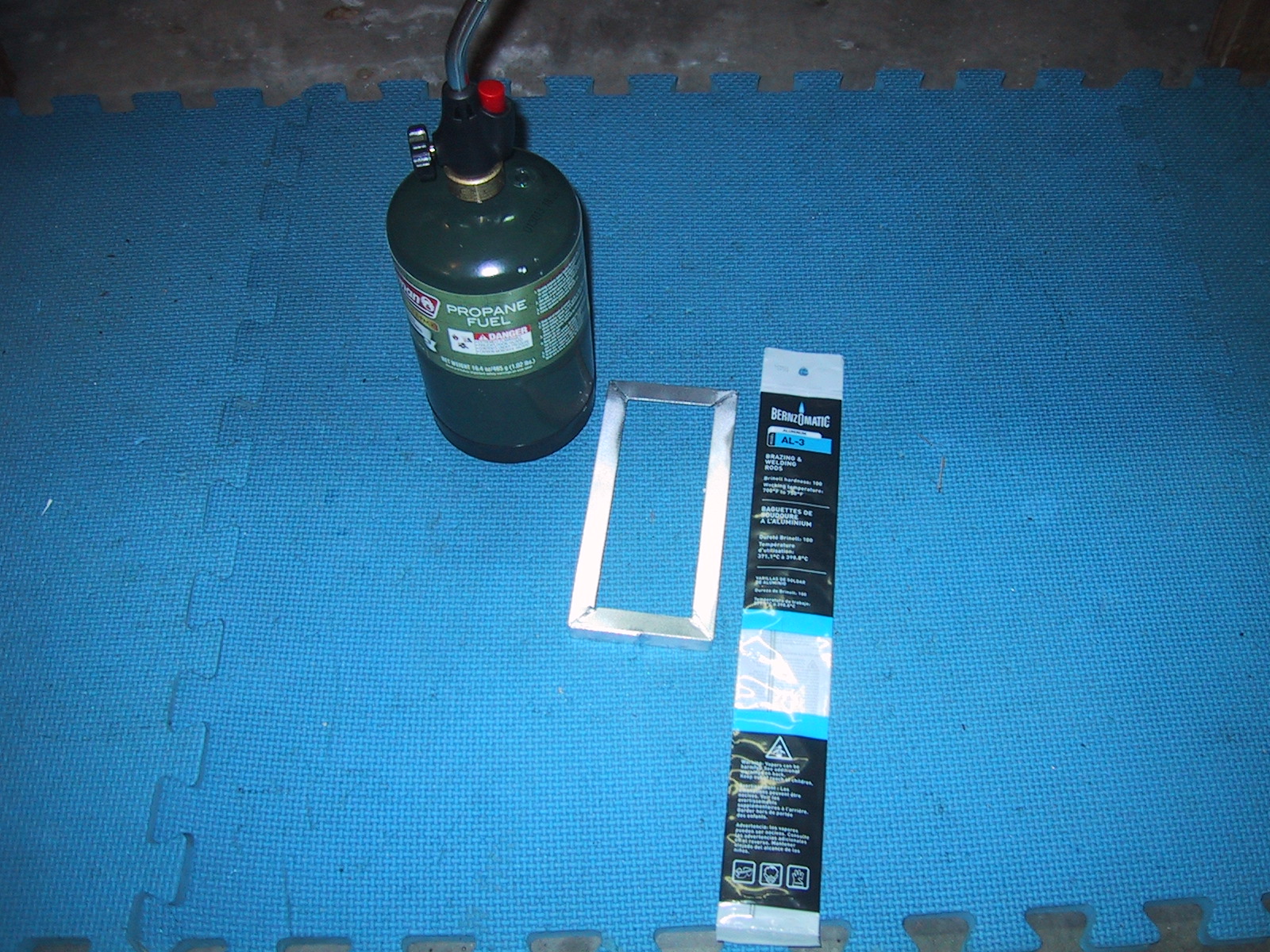
I bought some 1/2″ angle aluminum at the the big box (I would have preferred 3/4″…but they didn’t stock it…), along with some aluminum “welding rod” which is really a Continue reading
Ugly Trike Steering Linkage
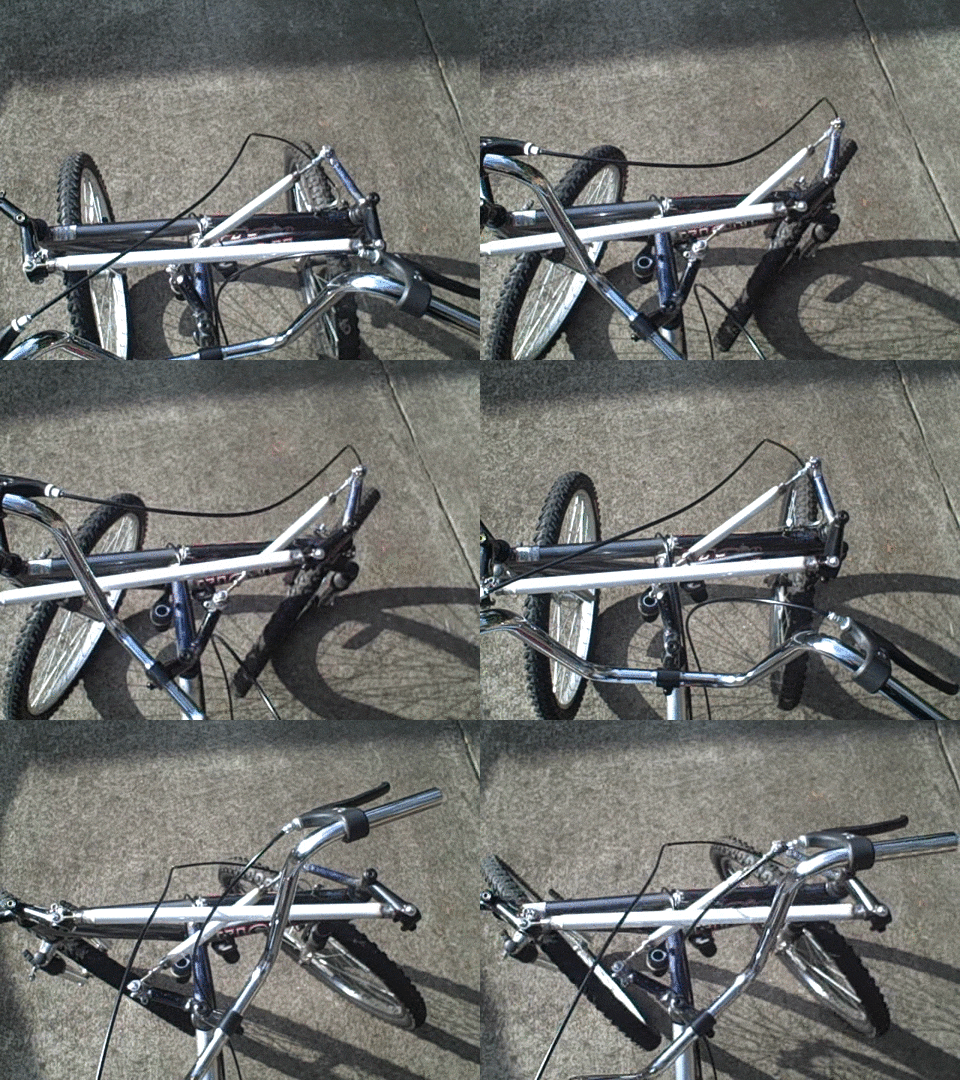
This is the completed steering linkage for Ugly Trike. I constructed both the Akerman correction tie rod and the steering linkage drag arm from a steel shower shelving unit rod and 1/4″ rod end bearings from vxb.com. The rod end bearings are the “correct” solution, but the ones I purchased from vxb.com were annoying because Continue reading
Ugly Trike Frame
This is ugly trike. In total, I used parts from four different used bikes to assemble it. Here are two of the frames that I welded together Continue reading
Using rsync to selectively restore a backup (with/without dotfiles)
If you have backed up your entire home directory, and are restoring it onto a new computer, sometimes you do not want to copy over all of the .dotfiles (hidden files and directories that start with a period) in your home directory. This can be especially useful if you are upgrading the operating system version and many applications are also upgraded, and you want to re-configure them manually.
To restore everything BUT the .dotfiles in the main root directory you can use the following rsync command (the command must be executed from inside the backed up home directory):
rsync -av - --exclude="/.*" ./ /home/NewHomeDir
Note that this WILL copy all .dotfiles in directories under the main home directory.
I do recommend keeping all of your old home directory dotfiles in a separate “dotfile” directory, because invariably you will need something from in them (such as an SSH private key, GPG key, etc…)
You can copy JUST the .dotfiles from the home directory (including recursing into .dotdirectories) with the following command:
rsync -av /path/to/sourcedir/.??* /path/to/dest
The .??* selects only files/directories in the sourcedir that start with a dot. Note that .* alone would select ALL files and directories in the sourcedir.
HOWTO: Full Disk encryption on Ubuntu 12.04
How to set up an entirely encrypted disk using Ubuntu 12.04 (LTS):
Use the Alternative installer (text based) ISO image so that you have access to the LVM and Encrypted Disk options.
Assuming you want to keep a windows partition or some other pre-existing partitions intact, you will have to manually partition things instead of using the guided partitioner, so select “manual”.
Set up two partitions. One will be your /boot partition and should be around 250MB. This is the only data that will be unencrypted on the disk. The other will be your encrypted volume, that will hold an LVM physical volume that will contain all of your other partitions such as your swap partition, / (root) partition and any /home /var etc partitions that you want to set up. You should select “Use as:” “physical volume for encryption” when setting it up.
Then go back up to the top of the menu to the “Configure encrypted volumes” option (You may have to write changes to the partition table before you can do this.) Use the “Create encrypted volumes” option, and “check” / select the large LVM partition you just created. Then select “Finished” and it will prompt you for a pass-phrase.
Now, go back up to the top of the menu to the “Configure the Logical Volume Manager” option. This will prompt you to write changes to disk, and create an encrypted volume (defaults to using ext4).
Now, go back up to the top of the menu to the “Configure the Logical Volume Manager” option. Create a volume group (vg0 is as good of a name as any) on the /dev/mapper encrypted volume you created above.
Create a logical volume (I named mine “swap”) that will hold your swap partition. It should be at least as large as the maximum amount of RAM you ever intend on installing in your computer if you want to use suspend to disk (hibernate).
Depending upon how many other partitions you want (one big root, or /home and /var, etc”¦) create other partitions using the rest of the space inside of your LVM volume group, and select Finished.
Once you leave the LVM configuration area, you will see all of the LVM logical partitions that you have created. Select each of them and configure their mount point and file system type. (or use as Swap in the case of your swap partition.)
Write everything to disk (which will also format partitions) and you are ready to continue with the rest of your installation!