Fixing my Neato X11 robot vacuum LCD screen

I’ve lived with a blank screen on my Neato X11 vacuum robot for a few years, but recently the robot started to beep error messages and refused to start up correctly, and I couldn’t figure out what the problem was without the screen.

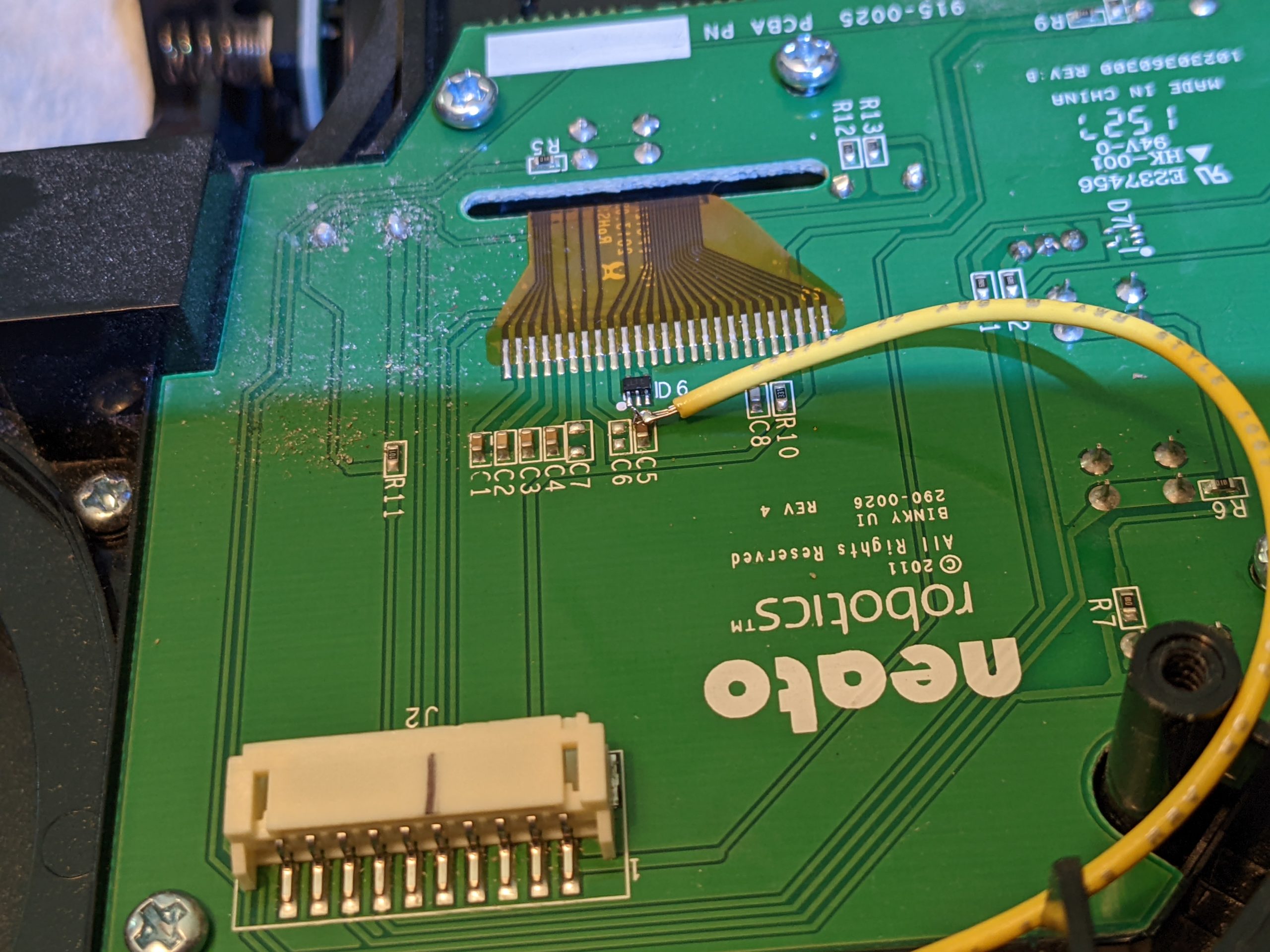
So I found this thread and this specific post and decided that injecting 12 volts to the c5 line would be worth trying (I’m NOT going to go to the effort of replacing the entire LCD, especially if I have to remove polarized sheets and reverse it ;> )

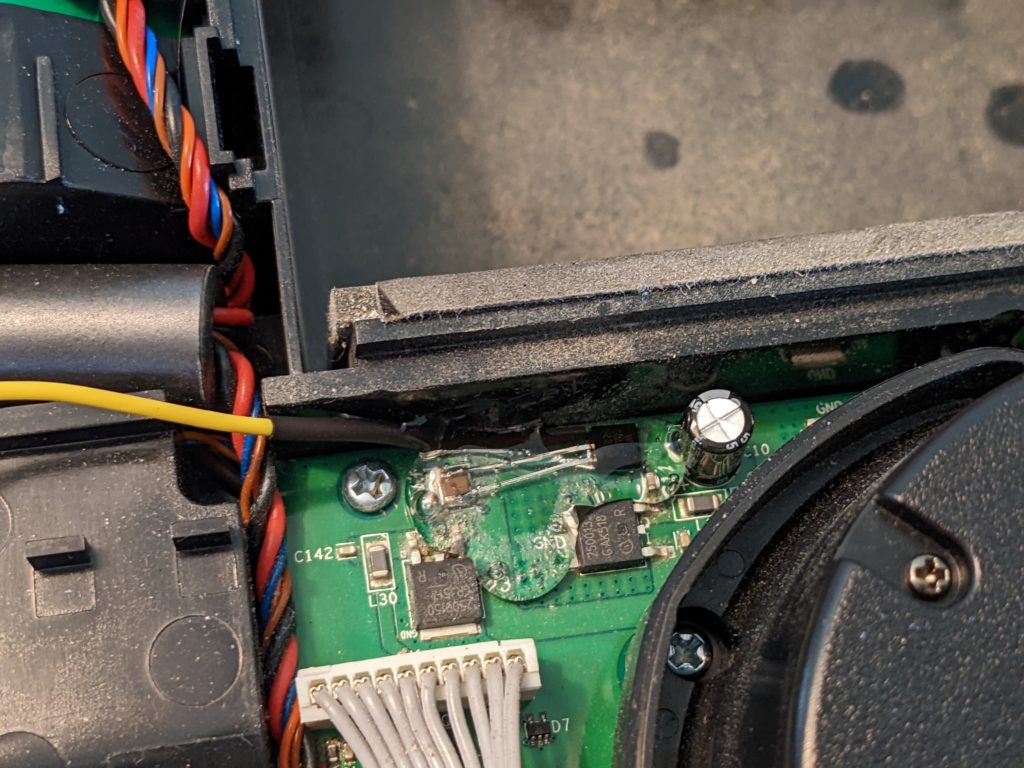
I used a 78L12 12v 100ma linear regulator (TO-92 package) because it was inexpensive and small.

Of course, I added in a lot of hot glue for stress relief….

Thanks to AlainCAN, this fixed my LCD and I can now read the error message (fan was stuck, I found/removed a rice grain and that fixed things right up!).
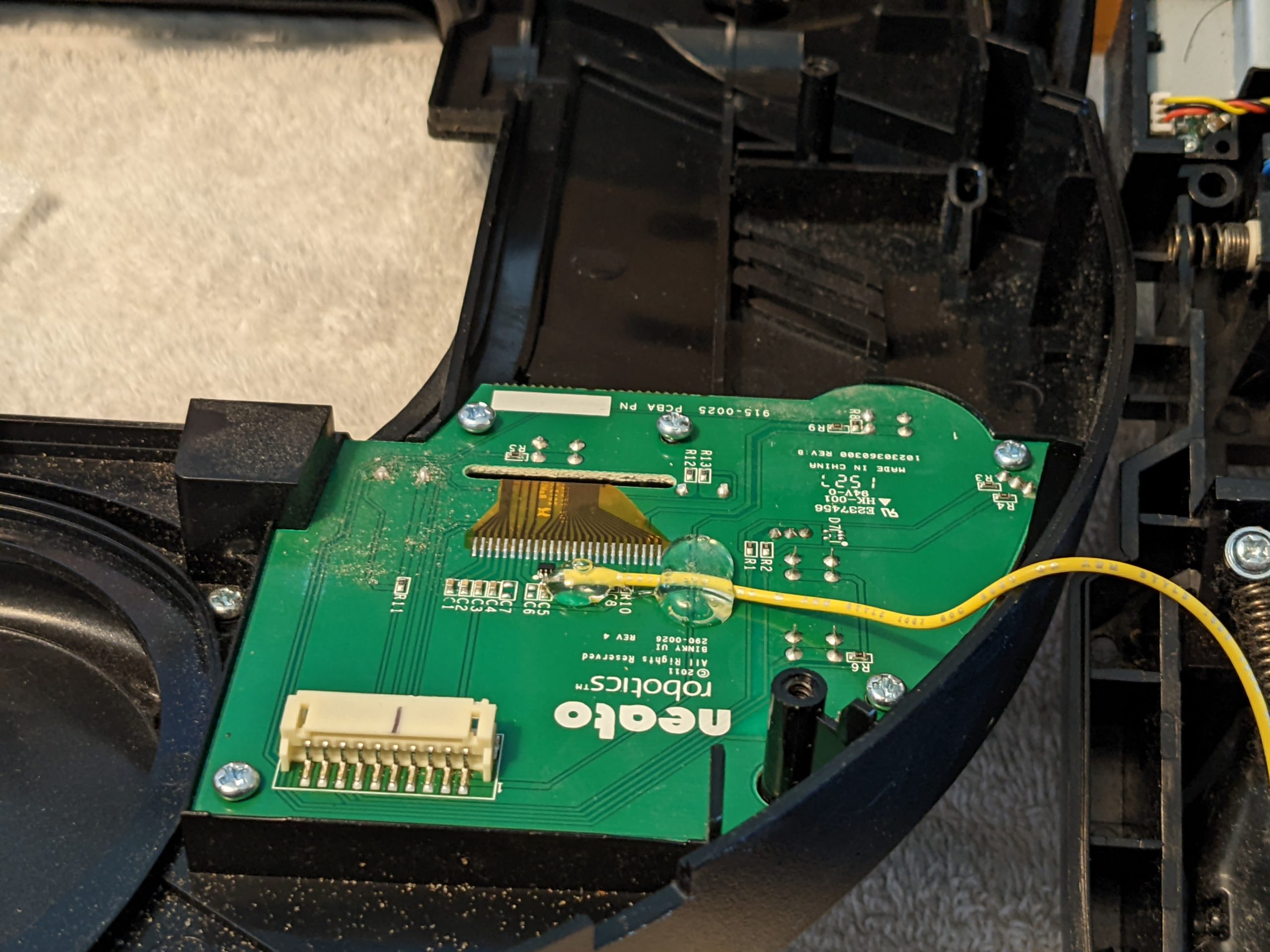
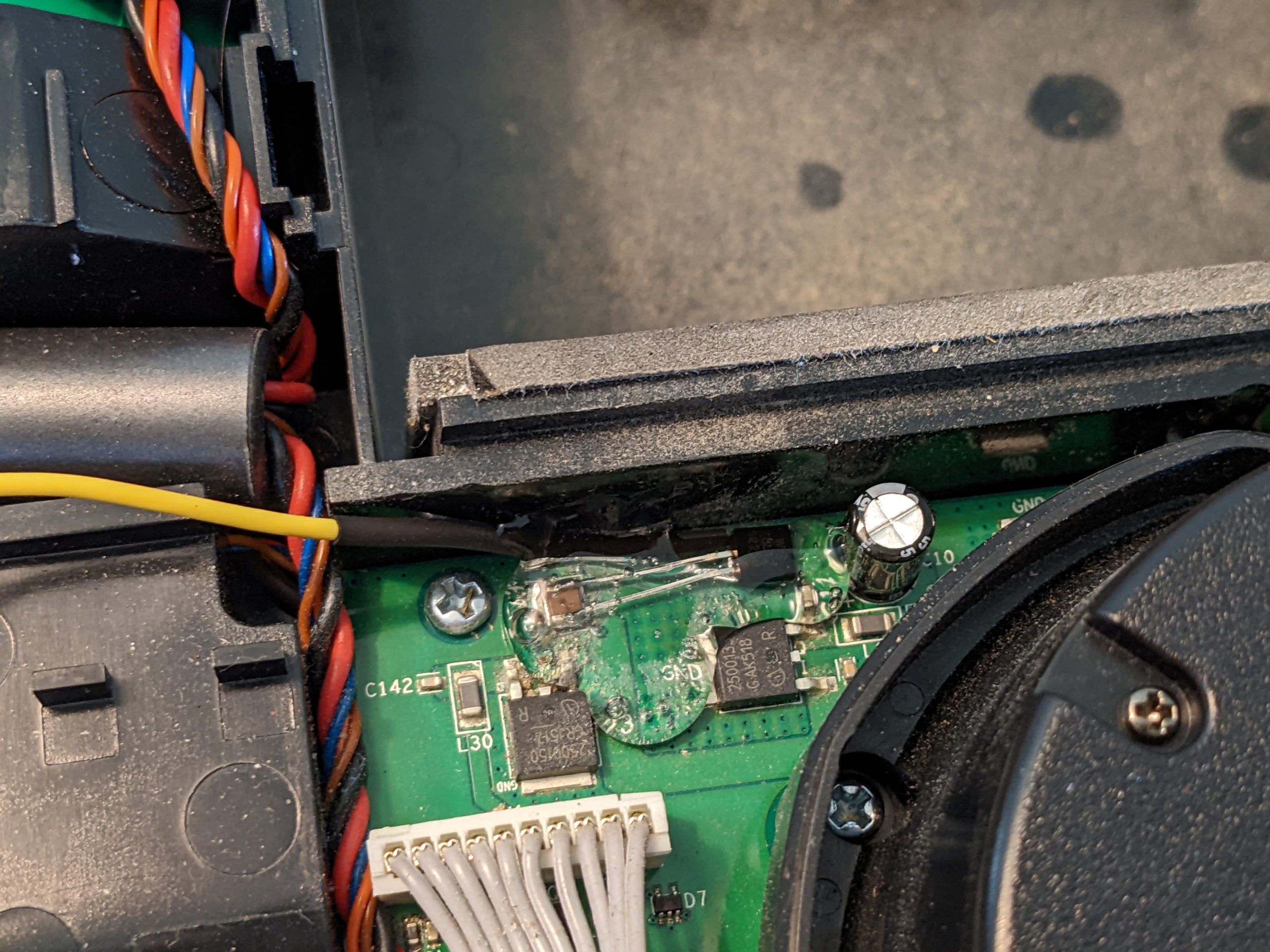
Unfortunately, I somehow appear to have broken the LED’s (backlight for LCD as well as the button LEDs). I’m not sure if this is related to this throwaway line in Alain’s post:

By the way, don’t forget to replace the C10 capacitor as it can cause trubbles later (dimmed light green led).

Or perhaps I just forgot to plug something in….. but I can read the screen, which is better than having LED’s without being able to read the screen, so I’m going to count it as an overall success.
3D printed Prescription Lens Inserts for Oculus Go

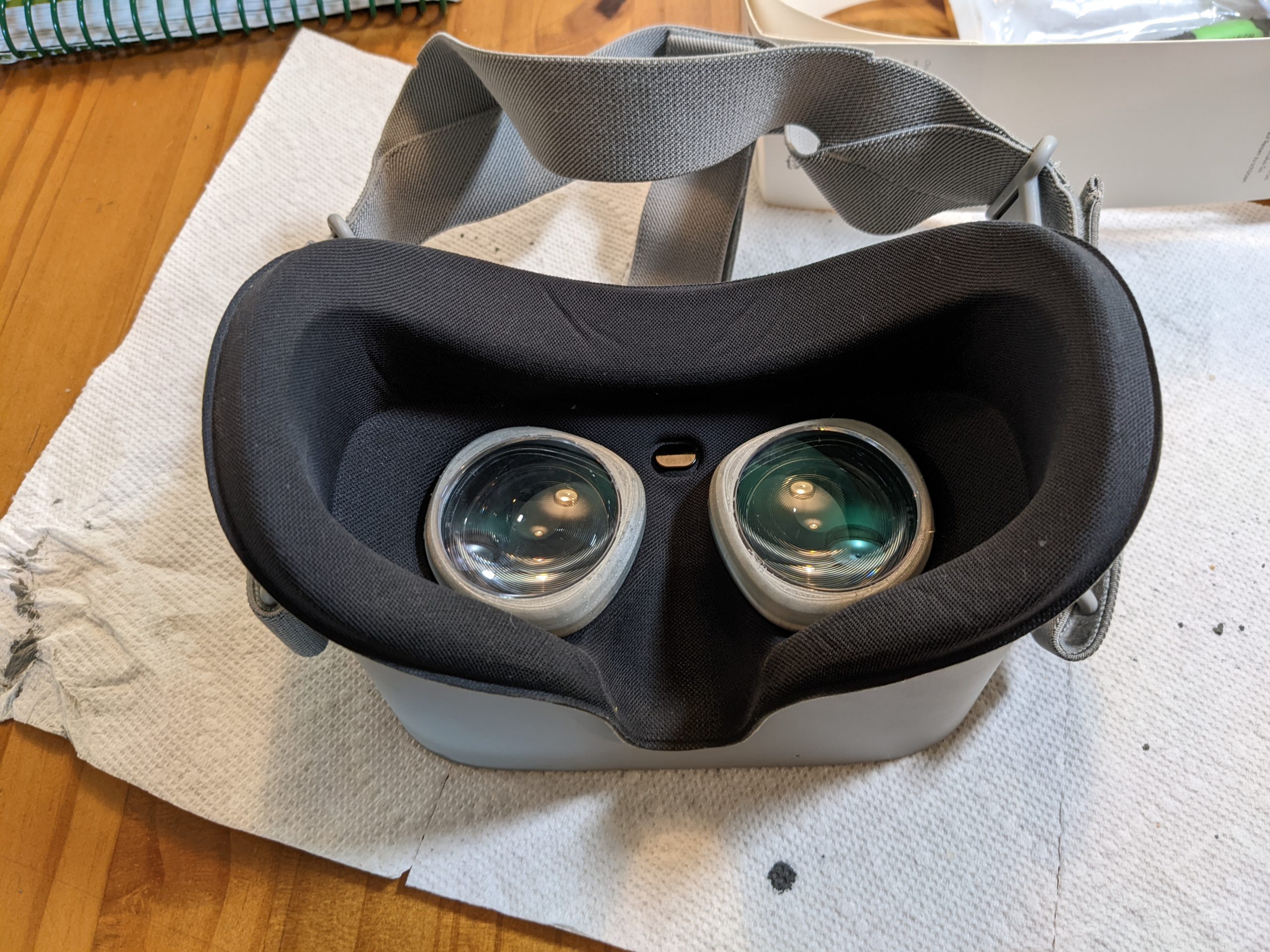
I’ve always wanted Prescription Lens inserts for my Oculus GO VR headset. But I just couldn’t justify the $80 price just so I wouldn’t have to wear my glasses while using the VR headset.

Then I found this project on Thingiverse: Oculus prescription lens adapter (Quest 2, Quest and Rift S)

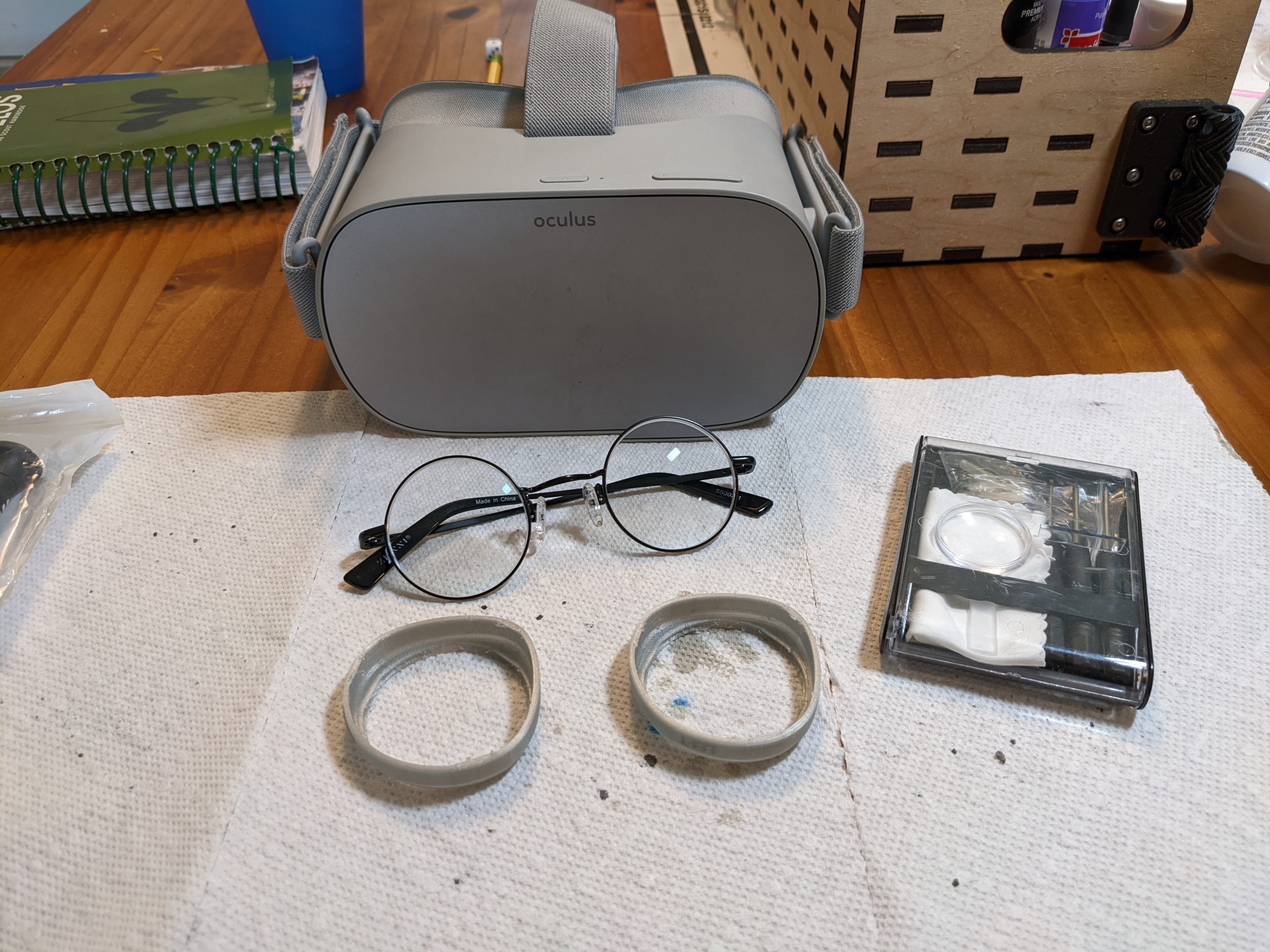
That’s right, you can 3D print your own adapters that will convert a standard round eyeglass lens (such as you receive if you order Zenni Optical Round Glasses 55002. Which just happen to only cost $35 in my prescription).

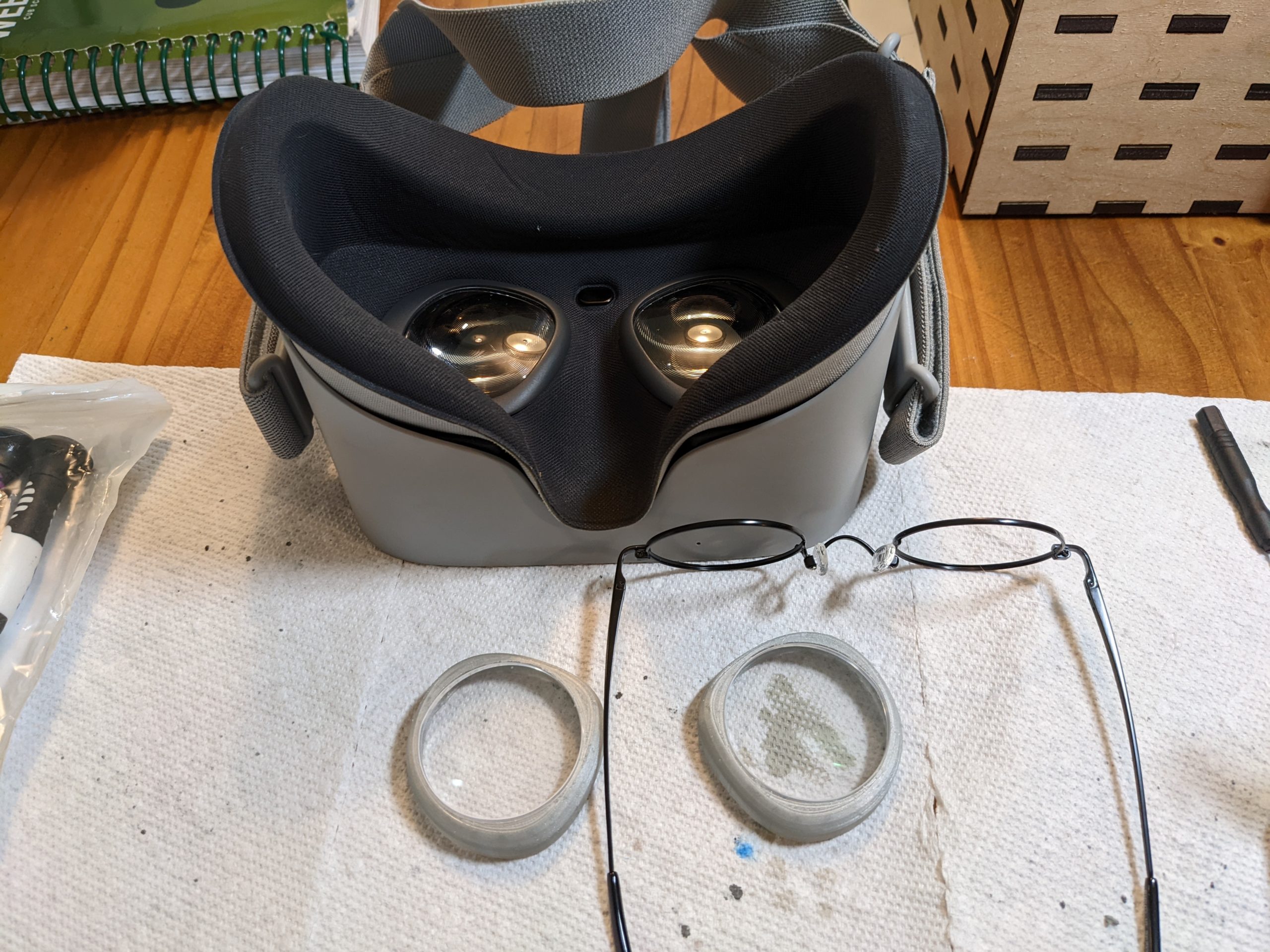
Seven days later, I was ready to mark the correct orientation, take the lenses out of the glasses (requires a small screwdriver), and pop them into my 3D printed adapters.

The “Version1” adapters pop right into my Oculus GO (which apparently are the same size as the original Quest), and now the VR headset fits more comfortably on my face (no more distracting gap around the nose area!).

Plus, I can give my son the now empty frames to have fun playing Harry Potter….

Update – July 19th 2022:

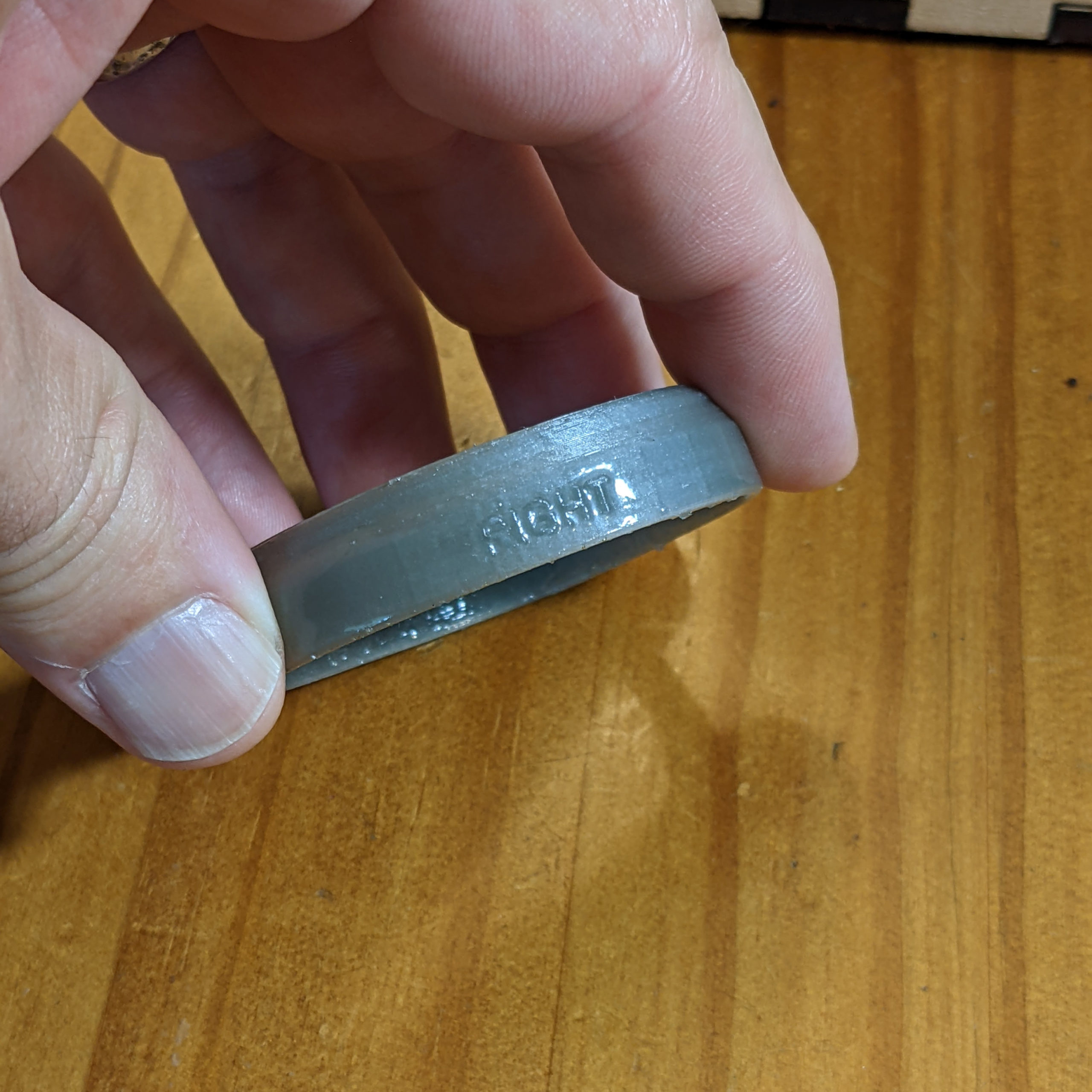
The lenses are working well in the Oculus Go, but after about 8 hours of use the right hand lens holder loosened up and stopped “gripping” the Occulus socket and holding in the foam.  I believe one of the small “lips” printed along the bottom had either snapped or had gotten worn down.  I printed a replacement part and before installing I dipped it in low viscosity epoxy resin. This made the part significantly more rigid (and smoother). I found it easier to install the lens (possibly due to experience) and it had a very satisfying grip on the Oculus.  If you are installing for the first time and have access to low viscosity epoxy, I’d recommend using it. (I also wonder if superglue would have a similar effect….) My left hand lens mount is still holding strong, so I’m not going to mess with it at this time.

Painting the Castle Ravenloft Skeletons

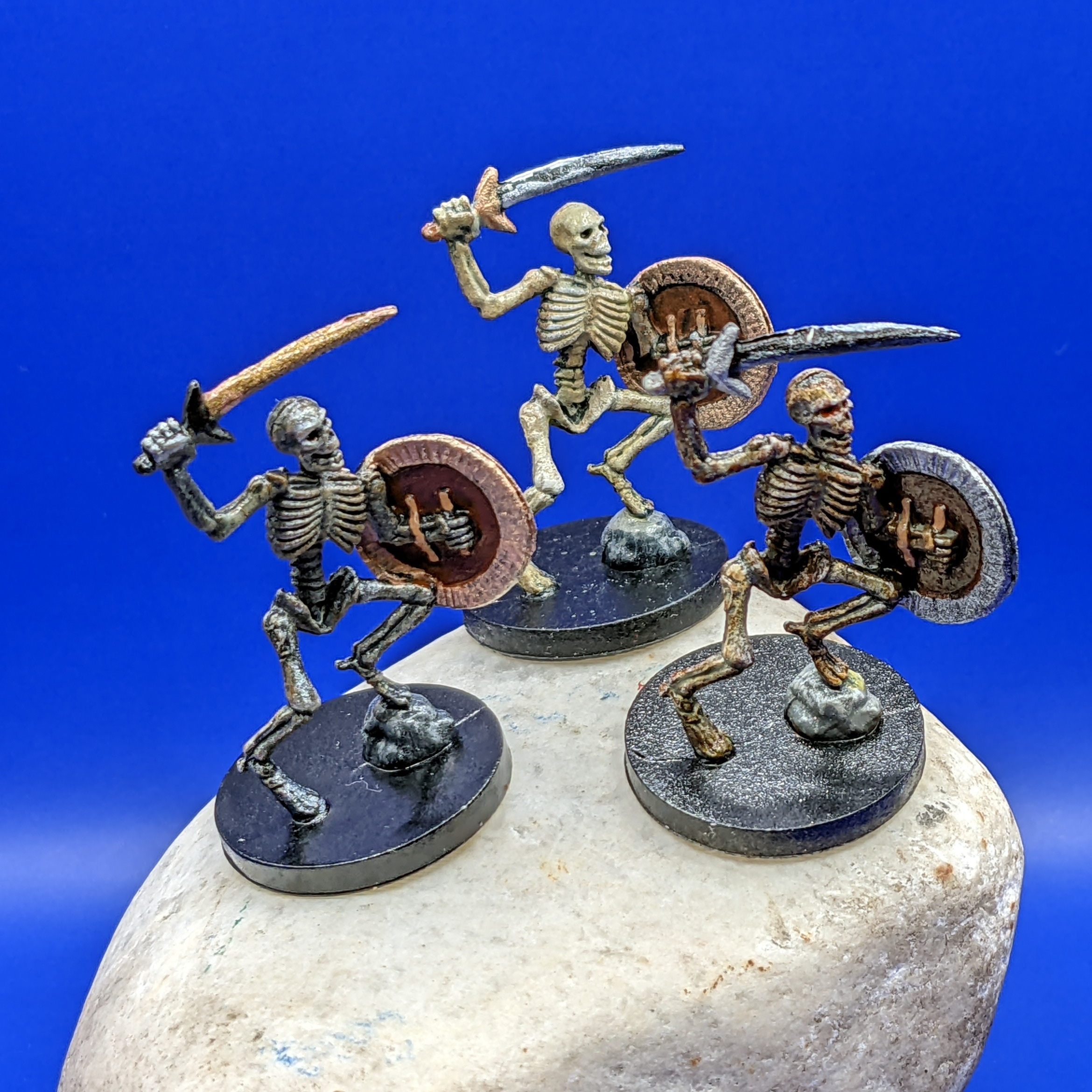
I painted the three Castle Ravenloft board game Skeletons with slightly different colors (mostly on the shields and swords, but the bones have different levels of tints on them as well) so that people could say things like “I want to aim at the one with the blue shield!”.

The general approach for bones is to do shades of gray/white first, then tint them with a bright yellow wash, followed by a transparent dark brown (burnt umber) wash.  Variations in lightness and color can be made by the lightness/darkness of the base coats, and amount of washes you use.

Continue reading →

HOWTO Paint: Snakes

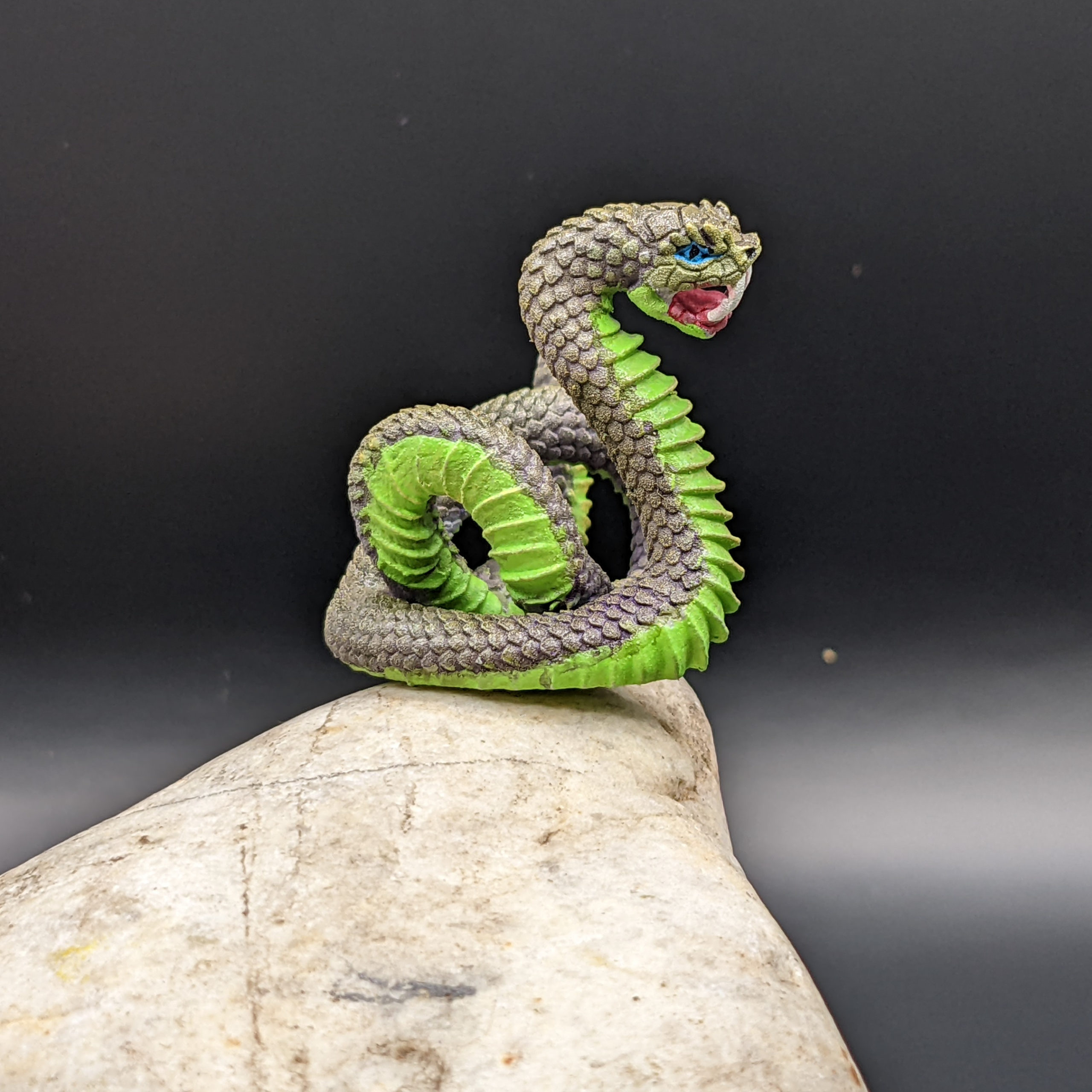
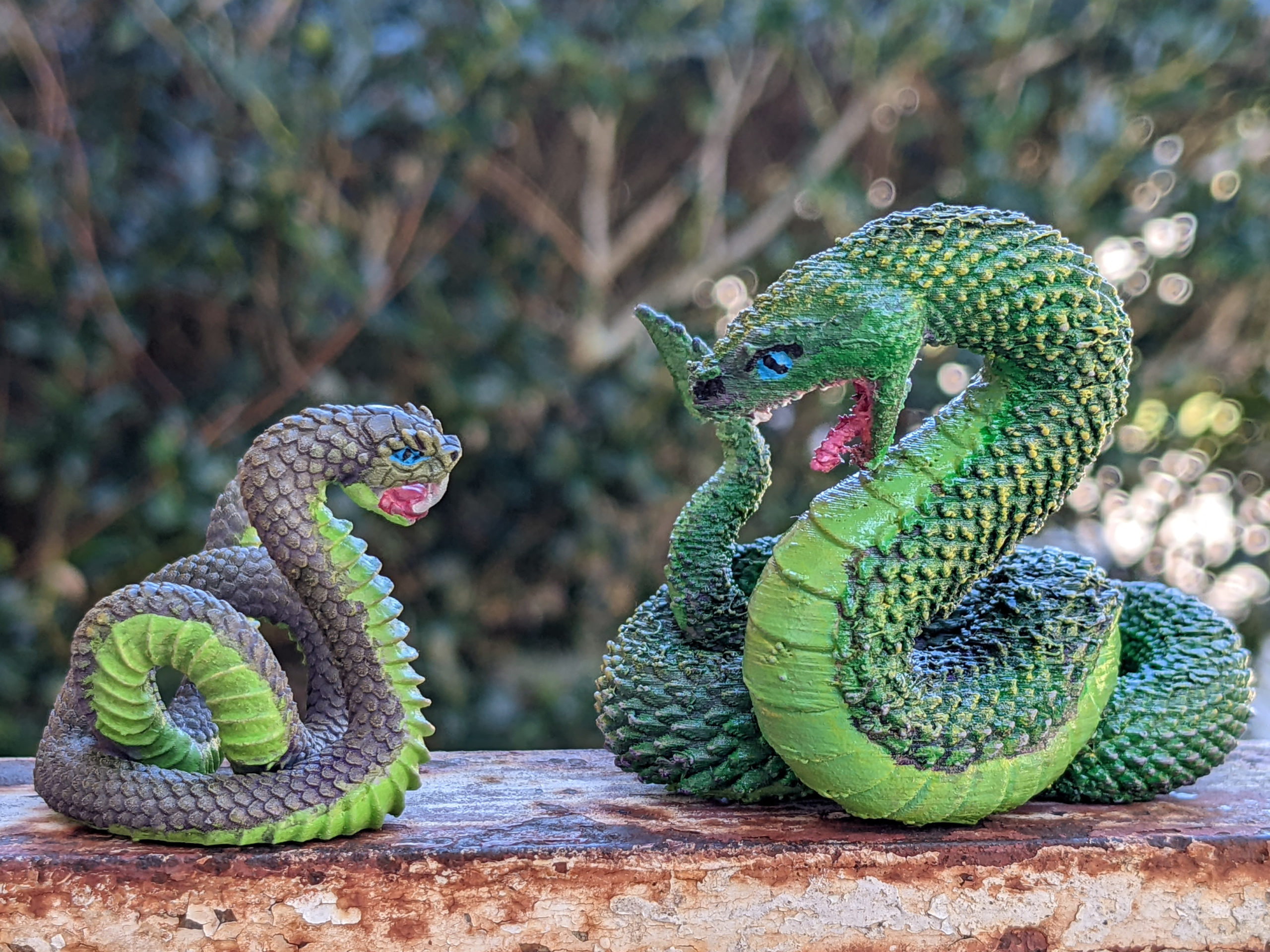
This is the final results of painting this “giant snake” miniature from  Etsy seller Wondrousminiatures.  The model was printed on a 3D (Resin) printer, which gives a much higher level of detail than I can achieve on my FDM printer. Compare this snake model to the one I printed on my FDM printer previously. It’s about half the size (1/4 of the volume) with better detail.


Follow along for the steps I used when painting this snake. Continue reading →

Gluing the glass lid back on my Glowforge

Remember back when the handle fell off my glowforge? Or when the glass lid detached from the hinge?  After the laser tube went out, I got a (refurbished) replacement unit, which has been working fine for a year. However, now the glass lid on my new (to me) replacement unit started to detach from the left rear hinge.
Continue reading →

HOWTO Paint: Skulls & Bone in 6 easy steps + the Raven

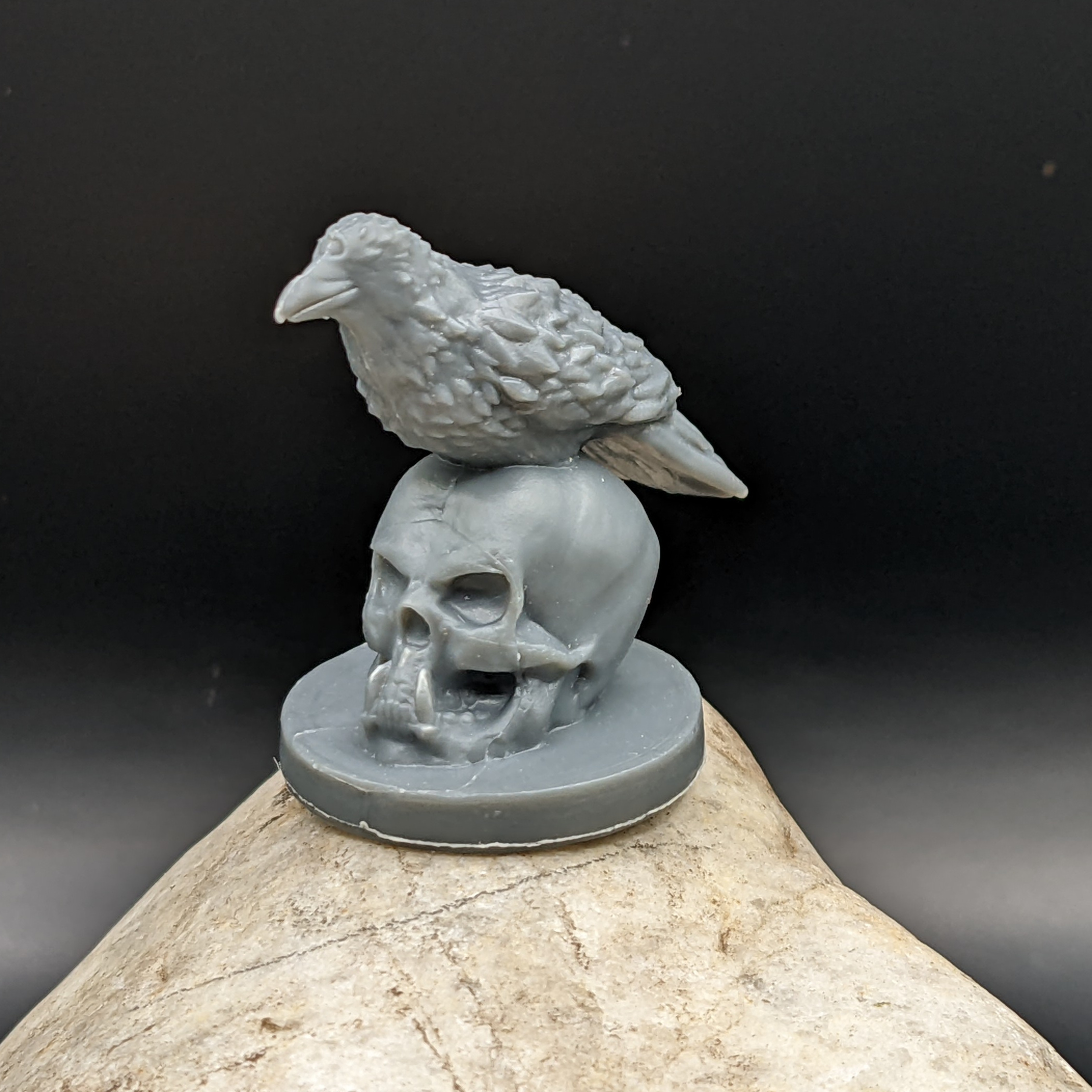
I got these raven sitting on skull minifigs from the Wildspire Miniatures Animals of Sol’an set, but singles are also included in the Hero’s and Animals set.

plastic raven sitting on a skull miniature, unprimed.

Here are the steps I took to paint the skull.

1. Prime black. I’m using Rust-Oleum 249846 2X Ultra Cover, but really, any flat black primer that sticks to plastic should work fine. Continue reading →

HOWTO: Paint crocodile tabletop mini figures (Alligator)

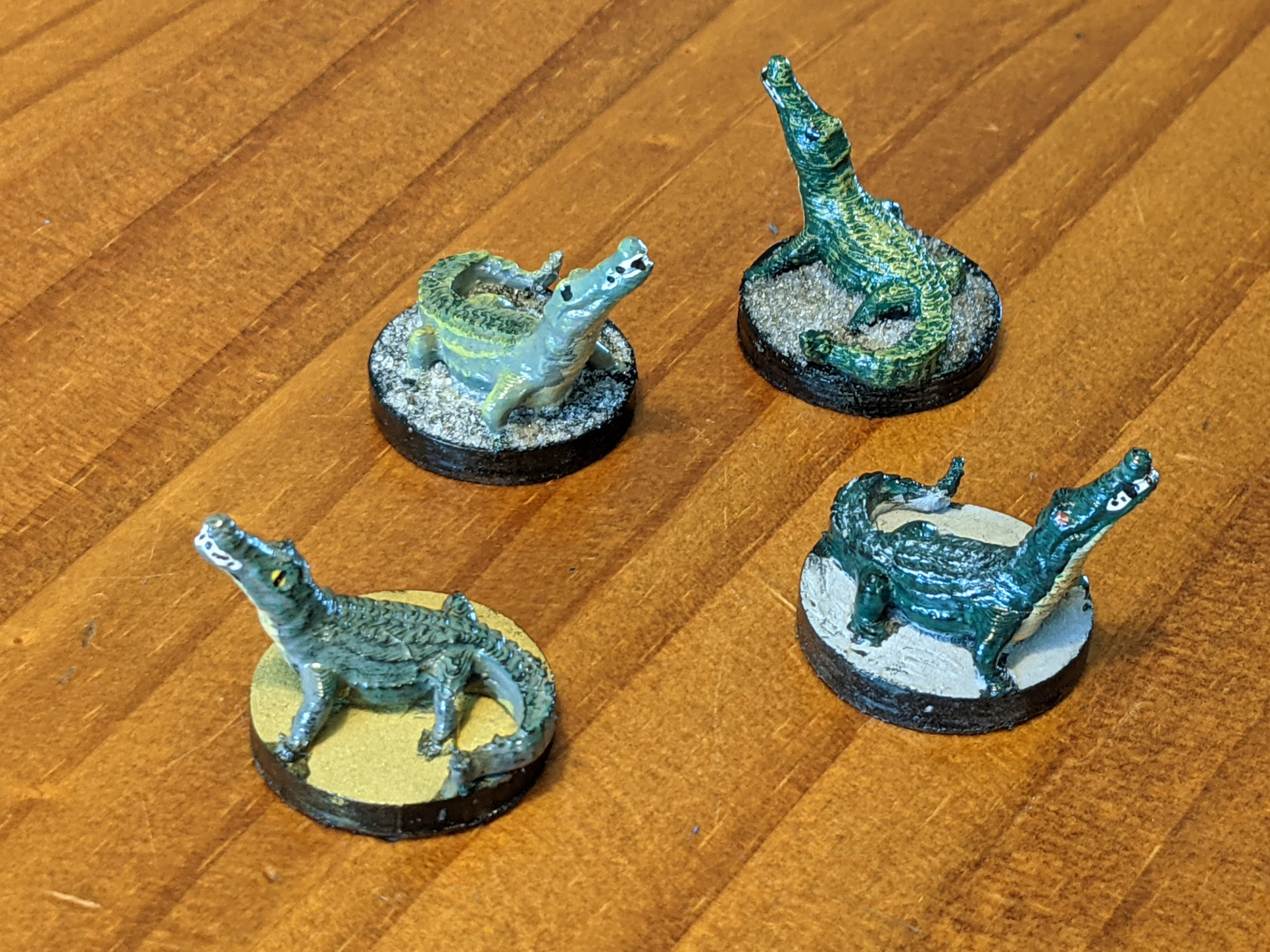
I demonstrate how to paint four different color schemes for a crocodile or alligator mini-figure. I use a cream colored base coat on all 4 necks, a gray base-coat on the back of two figures, a dark green base-coat on the back of the other two figures. Then I drybrush one of each with either a black or a muted yellow for highlights. I also demonstrate red, black, and yellow eyes, and the mouth/teeth details, plus gluing flocking to the base.

The figures were printed from a free model on Thingiverse by Mr. Stirling:
Swamp Alligator: https://www.thingiverse.com/thing:4165302

Items you may want to follow along (Amazon Affiliate Links):