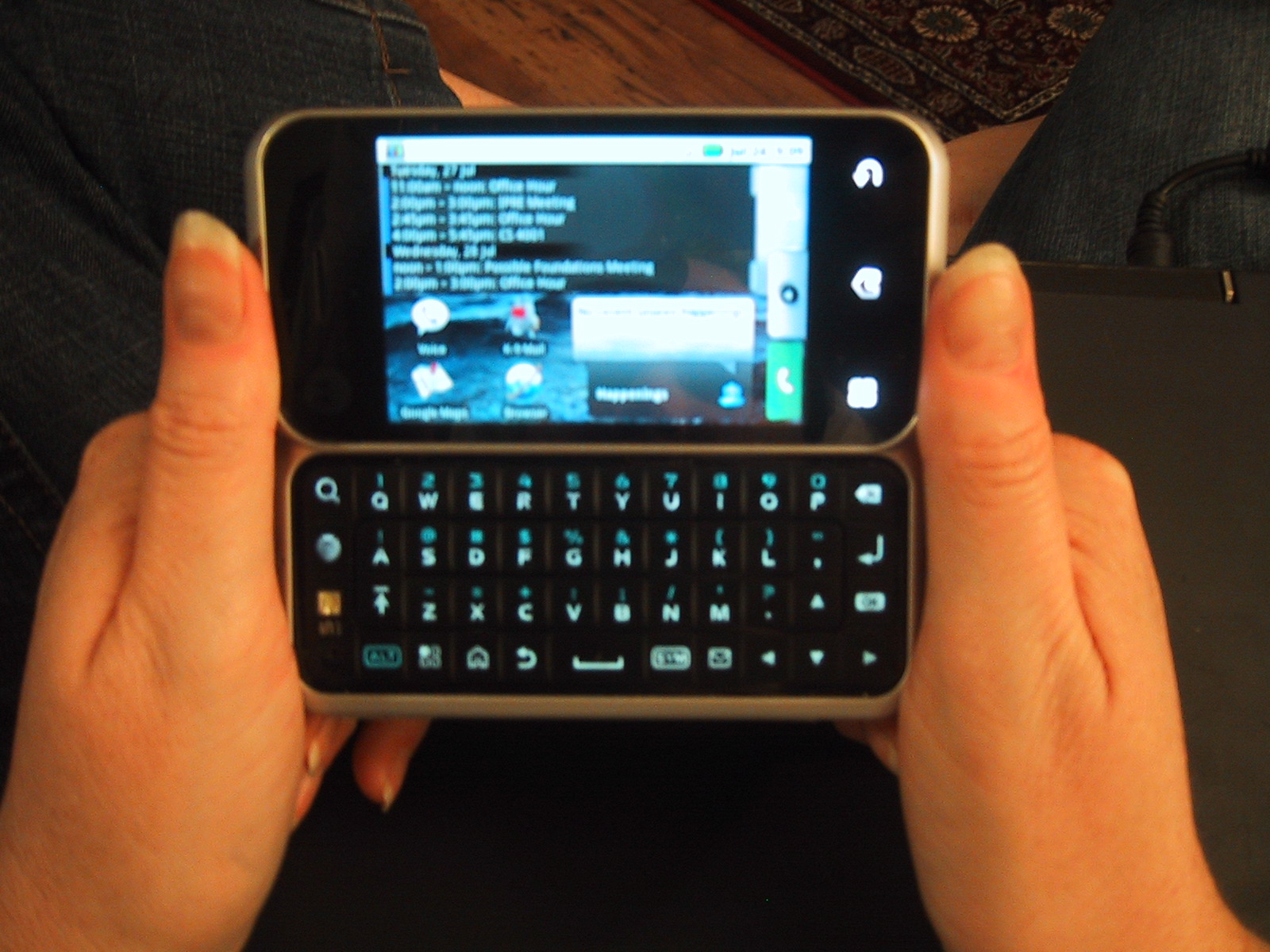
I have used a Motorola Backflip for a month, and am now trying out an HTC Aria. The Aria is a much smaller phone that lacks a keyboard, but has a newer version of the Android OS (2.1) and has a faster processor. For the rest of my comparisons, keep reading. Continue reading
Category Archives: Technology
Wifi Tether on the HTC Aria
One of the best ways to allow other devices to use your phone’s data plan to get on the internet (a process called tethering) is to have your phone become a little wifi hotspot. Then, any wifi device can get internet access via your phone. To do this with the HTC Aria, follow these steps:
Continue reading
How to Root the HTC Aria on At&T
Rooting the HTC Aria on AT&T is made trivial by the program you can download at http://unrevoked.com/
So far the only good reason I have found to root your HTC Aria is so that you can enable wifi tethering, but that requires a few more steps which you can read about in my next post.
In addition to rooting your phone, the unrevoked application adds a custom recovery image to your phone (Clockworkmod recovery – http://www.clockworkmod.com/ )
This open source recovery system allows you to backup your phone to SD-card (nandroid backup), and load other ROM’s.
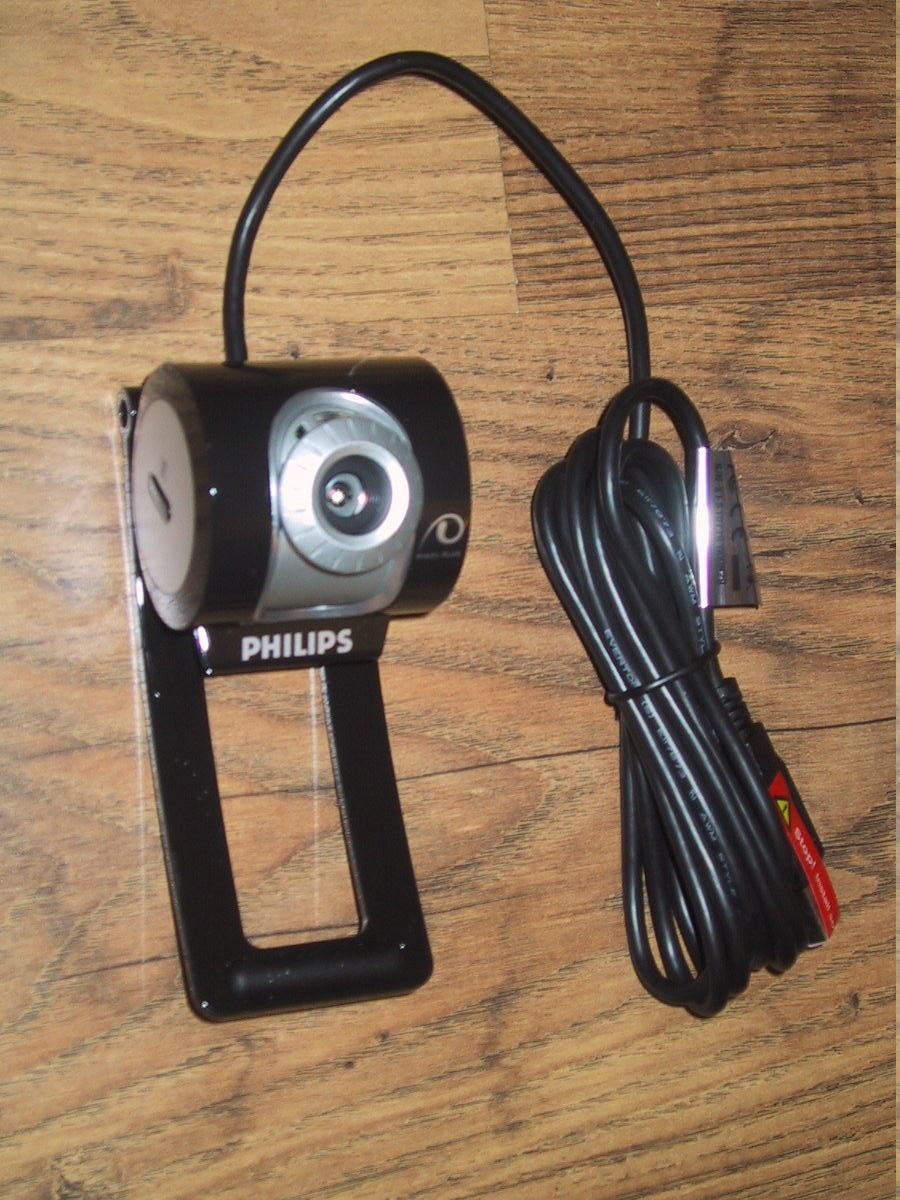
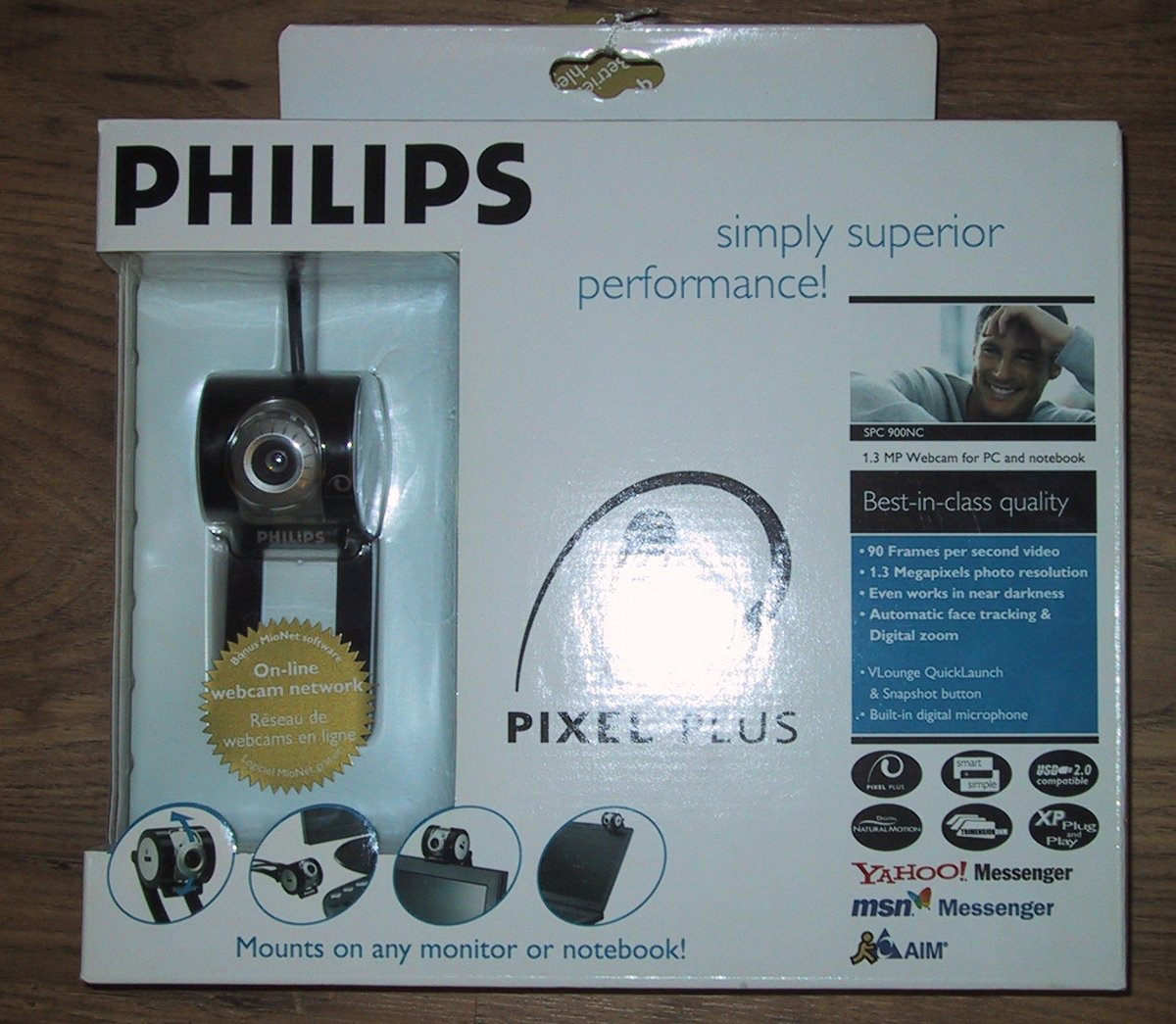
Philips SPC 900NC webcam: Linux / ZoneMinder Compatible

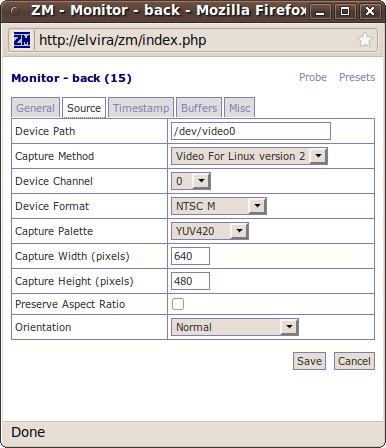
The Philips 900NC webcam is Linux compatible (Tested with: Ubuntu 8.10, 9.04 & 10.04). Under V4L2 it supports 640×480 at 15fps out of the box. (The webcam’s box claims speeds of up to 90fps, but that is only for smaller resolutions, custom windows drivers, etc. You may be able to get better speed with an optimized Linux driver, but out of the box performance is satisfactory.) It supports ZoneMinder, but only if you set up the exact correct Device Format (NTSC M) and Capture Palette (YUV420).
It has good low-light performance, although it will not work in complete darkness without additional IR illumination.

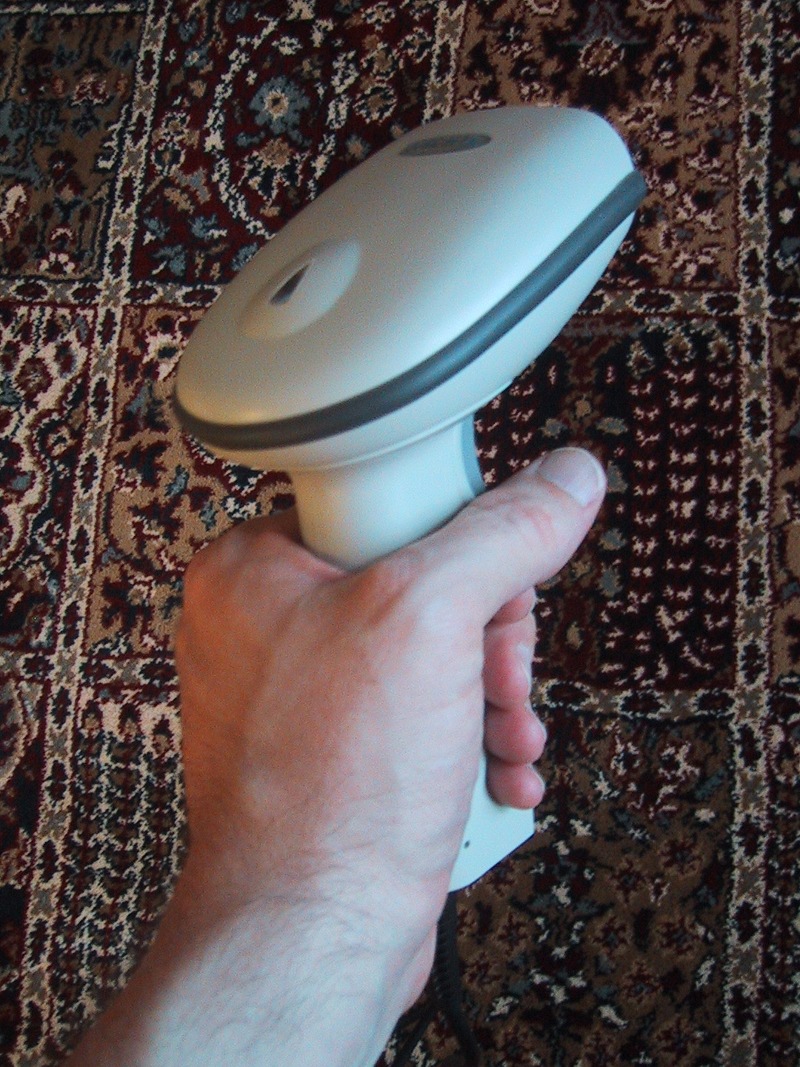
XLH-3800 Barcode Scanner: Linux Compatible
The XLH-3800 laser barcode scanner is powered by a USB port and pretends to be a keyboard. (It “types” the codes of barcodes when you scan them.)
I am happy to report that this (generic) laser barcode scanner works out-of-the-box with Linux (Tested on Ubuntu 9.10 and 10.04), and does not require any module configuration like the ACAN FG-8100 barcode scanner.
The XLH-3800 is a true laser barcode scanner, meaning that it throws a rapidly scanning laser dot (100 times per second) out into the world, giving the appearance of a laser line. This increases the read range when compared to a CCD scanner, and gives a visual indicator of where to point the device.
Motorola Backflip (MB300) Review

I have been using a Motorola BACKFLIP as my primary phone on AT&T for the last month. It is my first experience with the Android OS and smart-phones in general (my previous phone was a Motorola Razor V3xx “feature” phone), as well as my first full QWERTY keyboard on a phone. Overall it has been a positive experience. For the rest of my review, keep reading…
Continue reading
Sony PRS-300 Review

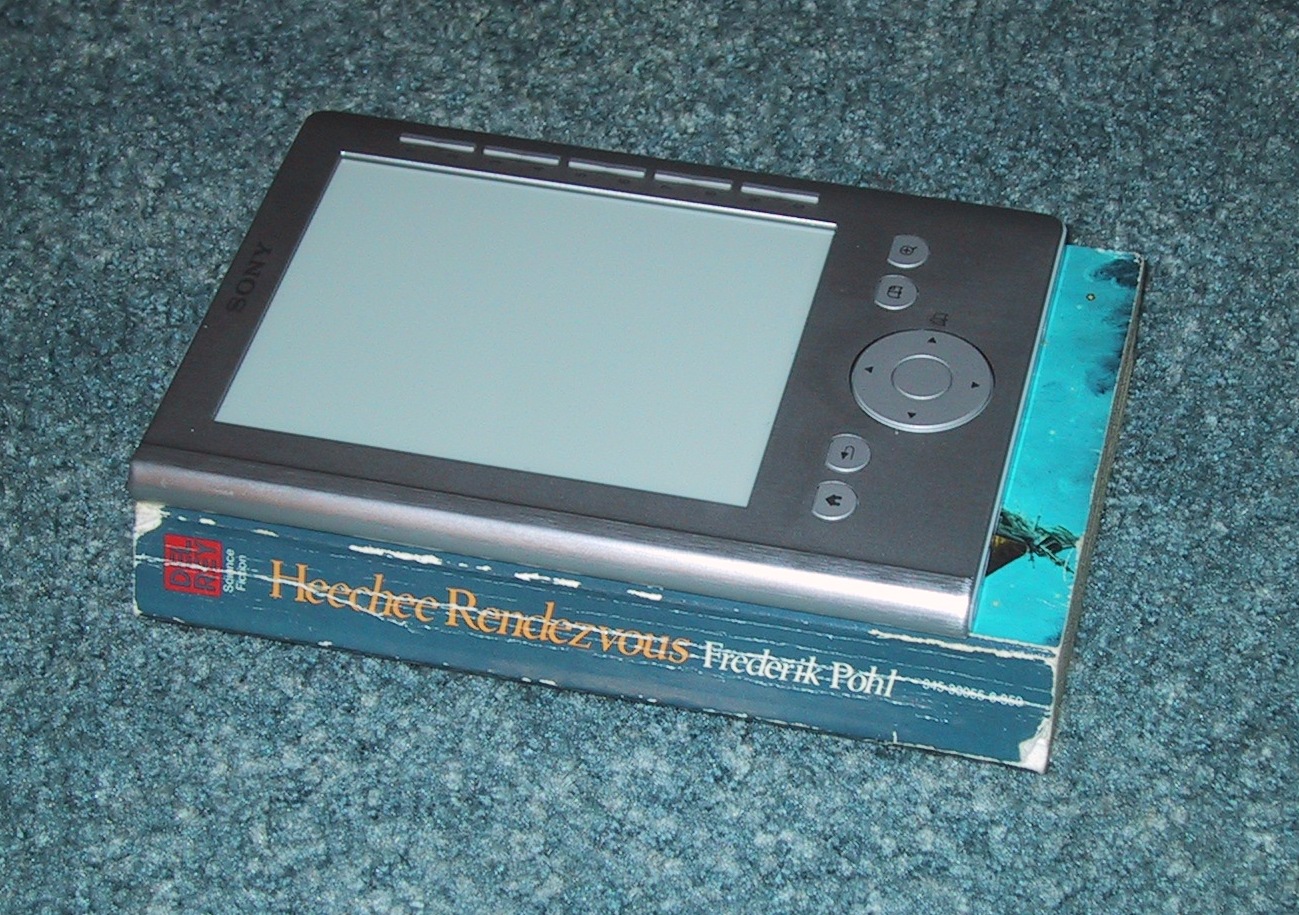
I recently purchased a silver Sony digital reader (Pocket Edition , PRS-300) e-book reader. Electronic Ink e-book readers have been on the market for a while, but downward price pressure from tablets such as the iPad are making them much more affordable.
I typically read paperback books for around 80 minutes a day on my round trip train commute, and I have spent two days reading off of the Sony e-reader. These are my early experiences. Continue reading
Android Phones on AT&T
If you are looking for a 3G phone running Android on AT&T, the pickings are slim. (Mostly because AT&T’s 3G bands are not compatible with many other carriers, and most Android GSM phones work with T-Mobile’s 3G bands. If you are willing to drop down to quad-band EDGE data most GSM Android phones will “work” with AT&T, they just suffer from slow networking.) Continue reading
IBM Think pad X31 Radeon M6 – Suspend Screen Fix
My Thinkpad X31 laptop with a Radeon M6 graphics chip had a problem with ACPI Suspend/Resume. About every five resumes, the graphics card would get messed up, making the screen unusable.
The computer would suspend/resume fine otherwise, but I’d be forced to reboot just to get X working again. (Just shutting down X and re-starting it wasn’t enough.)
The easy solution is to pass a “nomodeset” option to the kernal upon boot, but to do this on different versions of Ubuntu you need to do modify files in different places.
9.04: Edit the /boot/grub/menu.lst file, and look for the defoptions= line. Add nomodeset to the end. Run sudo update-grub afterwards to save your changes.
9.10: Edit the /etc/grub.d/10_linux file to add a line such as:
GRUB_CMDLINE_EXTRA = "$GRUB_CMDLINE_EXTRA nomodeset"
or just add “nomodeset” to the end of a previous GRUB_CMDLINE_EXTRA entry. After this, run sudo update-grub.
10.04: Edit the /etc/defaults/grub file and change GRUB_CMDLINE_LINUX="" to
GRUB_CMDLINE_LINUX="nomodeset"
(You may have to run sudo update-grub again, or it may be taken care of for you)
Commentary: I find it funny that in each of the last three version’s of UBUNTU the name and location of the grub configuration file has changed…
notify-osd render problem with Radeon M6 (Ubuntu 9.10)
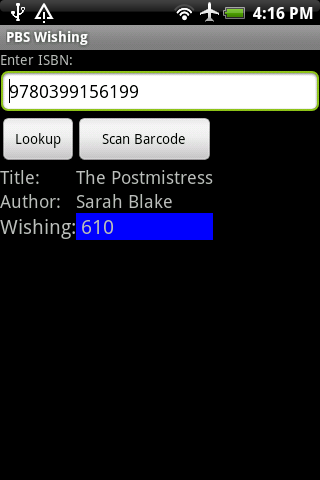
After upgrading my IBM X31 Thinkpad to Ubuntu 9.10, I noticed that libnotify (notify-osd) pop-ups were having a visual artifact when rendered that made the text unreadable. After a half hour of searching the net, I determined that this was because my M6 chipset doesn’t support Render Acceleration correctly, and the default xorg.conf file from Ubuntu does not disable that setting for my graphics driver (Radeon M6).
The solution is to add the option:
Option “RenderAccel” “false”
to the “Device” section of your /etc/X11/xorg.conf file.