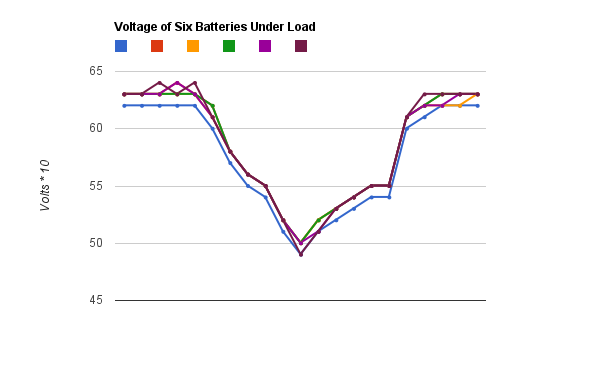
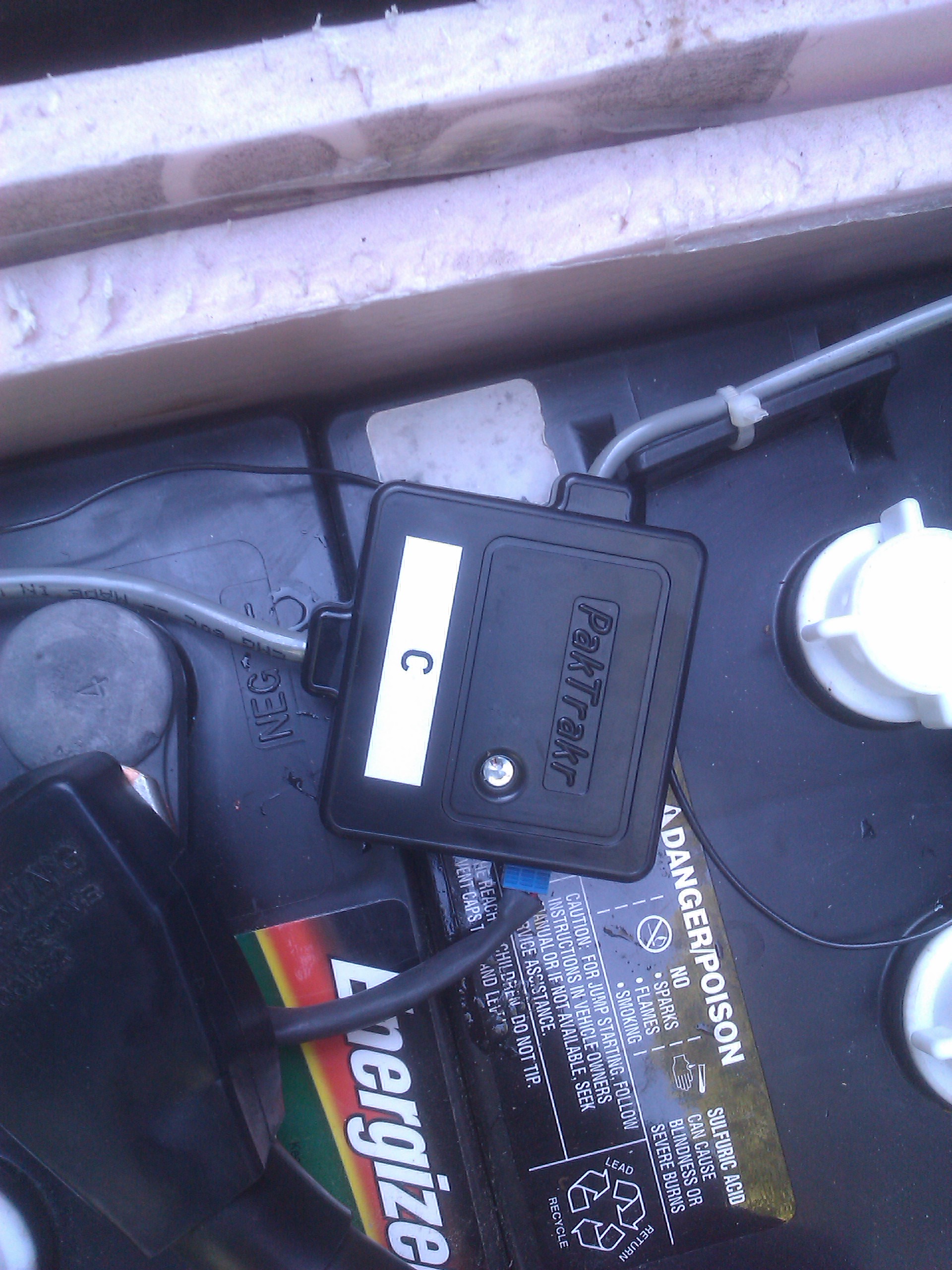
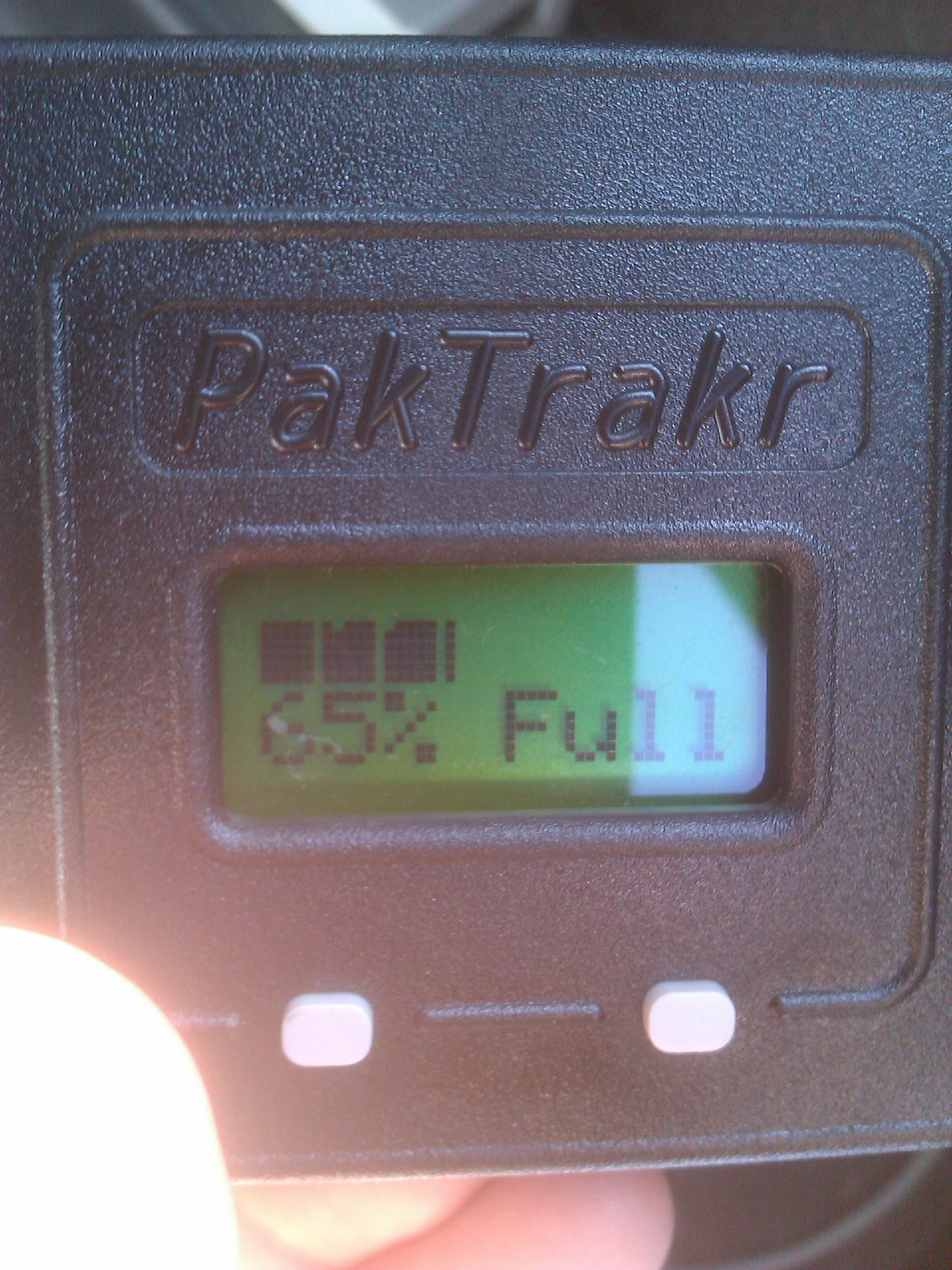
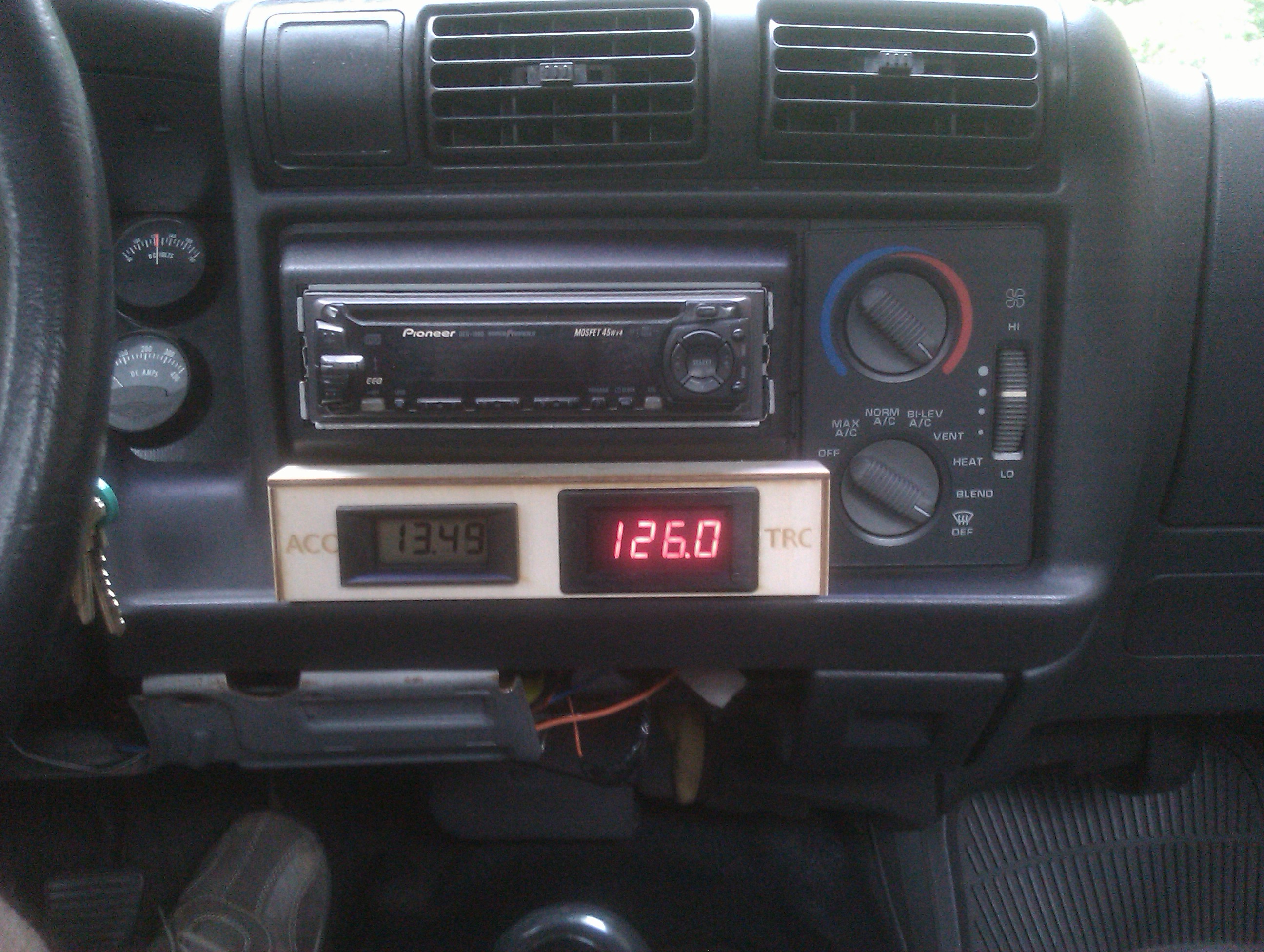
I received a VWRAS2-D12-D9-SIP isolated DC/DC power adapter from Digikey and built an updated voltage gauge module with dual gauges (one for the 12 volt accessory pack, and one for the 120 volt traction pack). The gauges were slightly too large to fit inside the dash, so I built an enclosure out of craft plywood that sticks out flush with the bottom of the radio.
Continue reading
Category Archives: Technology
HOWTO: Full Disk encryption on Ubuntu 10.04
How to set up an entirely encrypted disk using Ubuntu 10.04 (LTS):
- Use the Alternative installer (text based) ISO image so that you have access to the LVM and Encrypted Disk options.
- Assuming you want to keep a windows partition or some other pre-existing partitions intact, you will have to manually partition things instead of using the guided partitioner, so select “manual”.
S-10 Electric Pickup

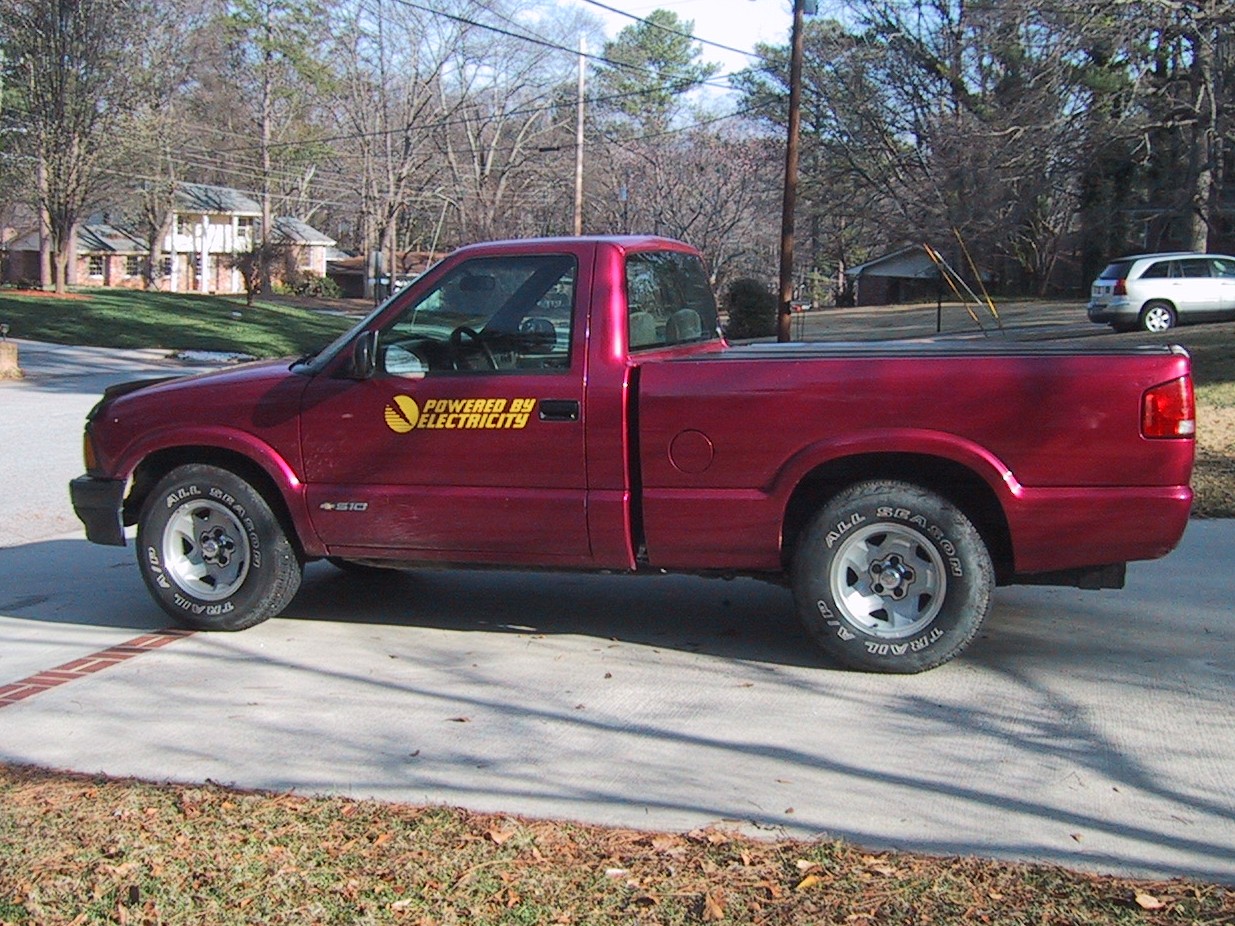
Our new commuter vehicle (and my new toy) is a second-hand electric conversion S-10 pickup. We purchased it from the original converter after he had upgraded to a Ford Ranger EV.
It is powered by 20 six-volt lead acid (PbA) golf cart batteries wired in series, giving a nominal 120 volt system. Sixteen of the batteries are stored in boxes under the tilt-up pickup bed. The remaining four batteries are under the hood, where the radiator would be on an internal combustion engine (ICE) vehicle. It can be charged via either the QuickCharge 120V charger plugged into a standard 15Amp outlet (which takes 13 hours) or the Zivan NG3 high frequency 240V charger (which takes 7 hours and a 240 volt outlet).
Motorola Backflip Android 2.1 upgrade
I have been using my HTC Aria as my primary phone, and using CyanogenMod it runs android 2.2. Instead of leaving it sitting in a box, I decided I wanted to use my backup phone (a Motorola Backflip) as a wifi network camera. However, it runs Android 1.5, which isn’t supported by the Free IP Webcam software. Luckily, Motorola has released an upgrade for the Backflip, if you know where to look. Continue reading
Best AT&T DSL modem for difficult conditons: 2Wire 2701
We recently moved to a new house that is far from the central office, and apparently is served by some very old copper. AT&T’s computer system refused to sell us any DSL plans faster than 1.5 Mb/sec, as the lines wouldn’t support any faster speed.
I have tried using three different DSL modems at this house. In order of age and success:
- Westell WireSpeed (2200) B90 DSL modem – This modem works at the full 1.5 Mb/sec speed, for a few hours. Then it gets slower and slower, until it averages 7KB/sec for downloads. (Uploads remaind at full 0.3 MB/sec speed). Power cycling the DSL modem fixes the issue and restores full speed for 12 hours or so.
- Motorola Netopia DSL modem – This modem occasionally was able to get full download speeds, but typically would max out at 0.3 MB/sec (30 KB/sec) for the download speeds. (Uploads remained at a full 0.3 MB/sec.) Power cycling the modem did not improve things.
- 2Wire 2701hg-B DSL modem with integrated wifi. This modem was able to maintain the full 1.5 MB/sec download speeds. Perhaps because it is the newest of the three modems, and has a better DSL chipset.
It was worth purchasing a new DSL modem for this house. (Although the Netopia and WireSpeed modems have both worked fine in other locations.)
Backflip wifi tether with Ubuntu Linux
After gaining root access on my Motorola Backflip phone, I was (eventually) able to get wifi tethering working using the Barnacle application (version 0.5.1).
In Barnacle, I have “skip wpa_supplicant” checked, the channel set to six (6), and DHCP set up to use the OpenDNS DNS server (208.67.222.222) although the DNS server option may not be needed. (I had to also manually specify the DNS server IP on my client anyways.)
I had to pull some tricks on the client side (Ubuntu Linux) to make everything work. Specifically, setting MTU size to 1250 and setting up my own DNS name server IP.
The script I use to make this all work with ad-hoc networking on Ubuntu is as follows: Continue reading
PBS Wishing – Android App to find out if a book is popular!
I have developed an application for Android Phones (OS version 1.5 or higher) that allows you to enter an ISBN from a book (or scan the barcode if your phone has a camera) and find out how many people are wishing for the book on PaperbackSwap.com. If a lot of people are wishing for a book, it’s a good indication that the book is popular, which may mean it is worth reading. (Or at least, if you decide you don’t like it, it will be easy to get a book credit for it on paperbackswap.com.)
Continue reading
HTC Aria on AT&T Review
I have used a Motorola Backflip for a month, and am now trying out an HTC Aria. The Aria is a much smaller phone that lacks a keyboard, but has a newer version of the Android OS (2.1) and has a faster processor. For the rest of my comparisons, keep reading. Continue reading
Wifi Tether on the HTC Aria
One of the best ways to allow other devices to use your phone’s data plan to get on the internet (a process called tethering) is to have your phone become a little wifi hotspot. Then, any wifi device can get internet access via your phone. To do this with the HTC Aria, follow these steps:
Continue reading
How to Root the HTC Aria on At&T
Rooting the HTC Aria on AT&T is made trivial by the program you can download at http://unrevoked.com/
So far the only good reason I have found to root your HTC Aria is so that you can enable wifi tethering, but that requires a few more steps which you can read about in my next post.
In addition to rooting your phone, the unrevoked application adds a custom recovery image to your phone (Clockworkmod recovery – http://www.clockworkmod.com/ )
This open source recovery system allows you to backup your phone to SD-card (nandroid backup), and load other ROM’s.